garmin-m8m
Garmin smart watch family application
garmin-m8m

| Branch | Status |
|---|---|
| master |  |
| development |  |
Description: Garmin smart watch application
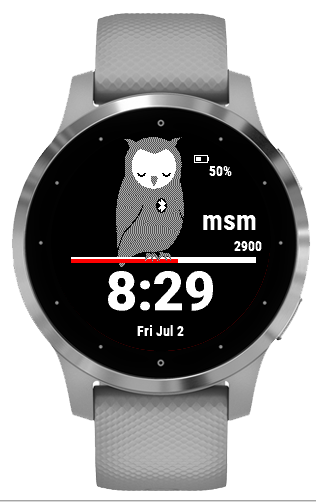
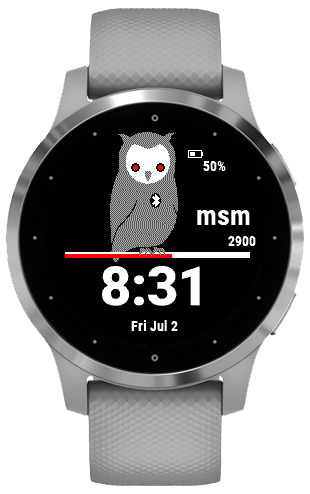
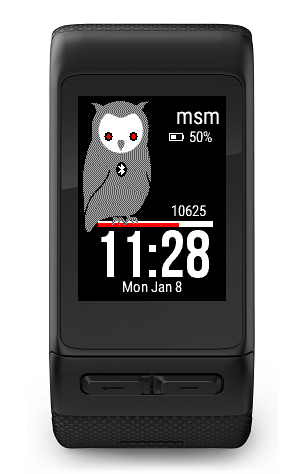
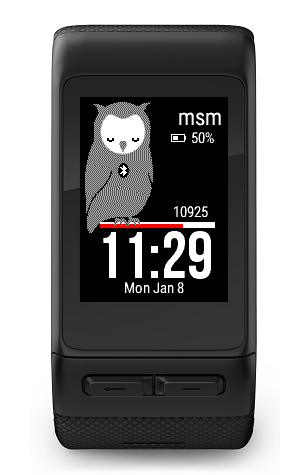
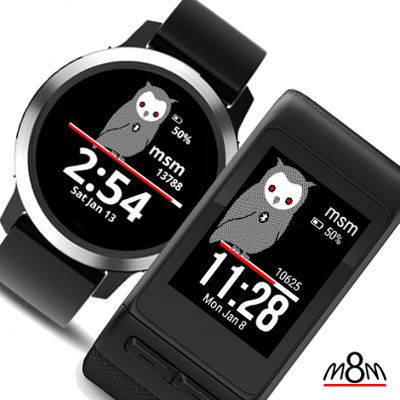
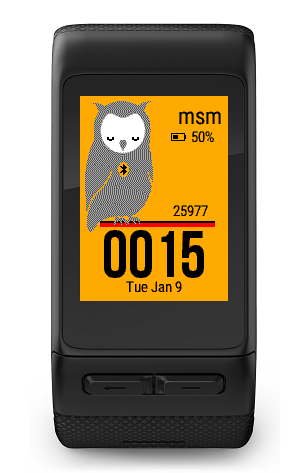
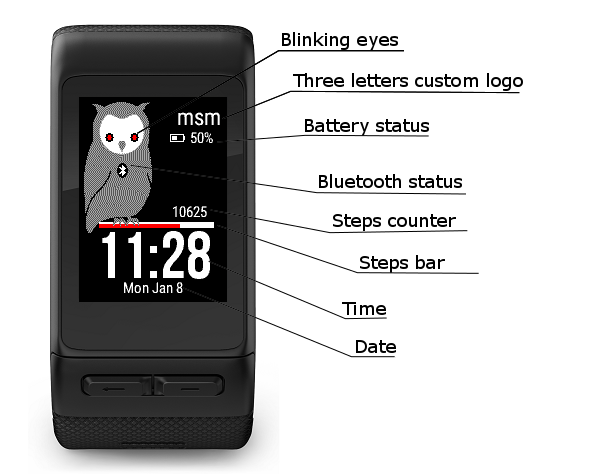
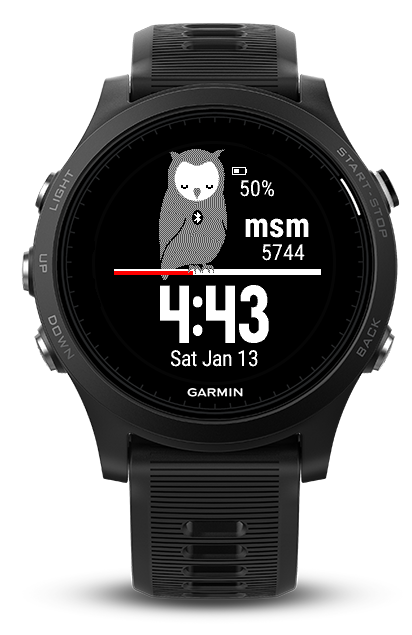
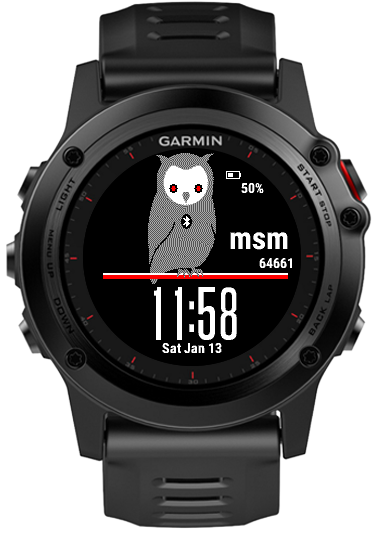
A customisable, blinking owl watchface. For each 10 minutes, the owl has its eyes wide open for as long as the percent activity from the step goal. (i.e. if your activity is 20 percent of the step goal, the owl will stay awake the minutes 0, 1 and 2 in each ten minute decade)
Table of Contents
Presentation

Features
- Blinking eyes owl
- Customizable three letters logo
- Battery status
- Bluetooth status
- Steps count
- Steps bar as percent from daily goal
- Time
- Date
- Customizable colors
- Wings decoration options:
- Static 1
- Static 2
- Floors Climbed
- Heart Rate
Settings
Using mobile app Garmin Connect: https://github.com/matei-tm/garmin-m8m/wiki/Changing-settings-from-Garmin-Connect-mobile-app
Using computer app Garmin Express for Windows or Mac: https://github.com/matei-tm/garmin-m8m/wiki/Changing-settings-from-Garmin-Express-for-Windows-or-Mac
Logo text
The three letters customizable logo
Background color
The background color for the watch face
Foreground color
The color for all texts and symbols (battery, bluetooth, steps bar layout)
Alert color
The color for:
- progress on the steps bar
- low level battery
- disconnected bluetooth
- owl eyes when wide
Owl’s Face color
The owl face color
Owl’s Eyes Contour Color
The owl eyes contour color
Owl’s Eyes Color
The owl eyes color
Military format for 24 hours
Available only when the watch is set to output 24-hour time. In this case the double column is removed.
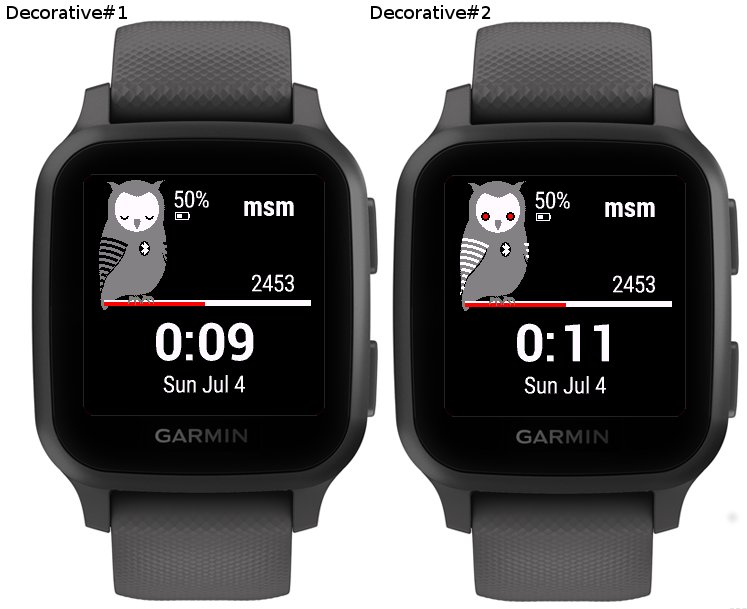
Wings decoration options
- Static 1
- Static 2
- Floors Climbed
- Heart Rate
The decorative wings
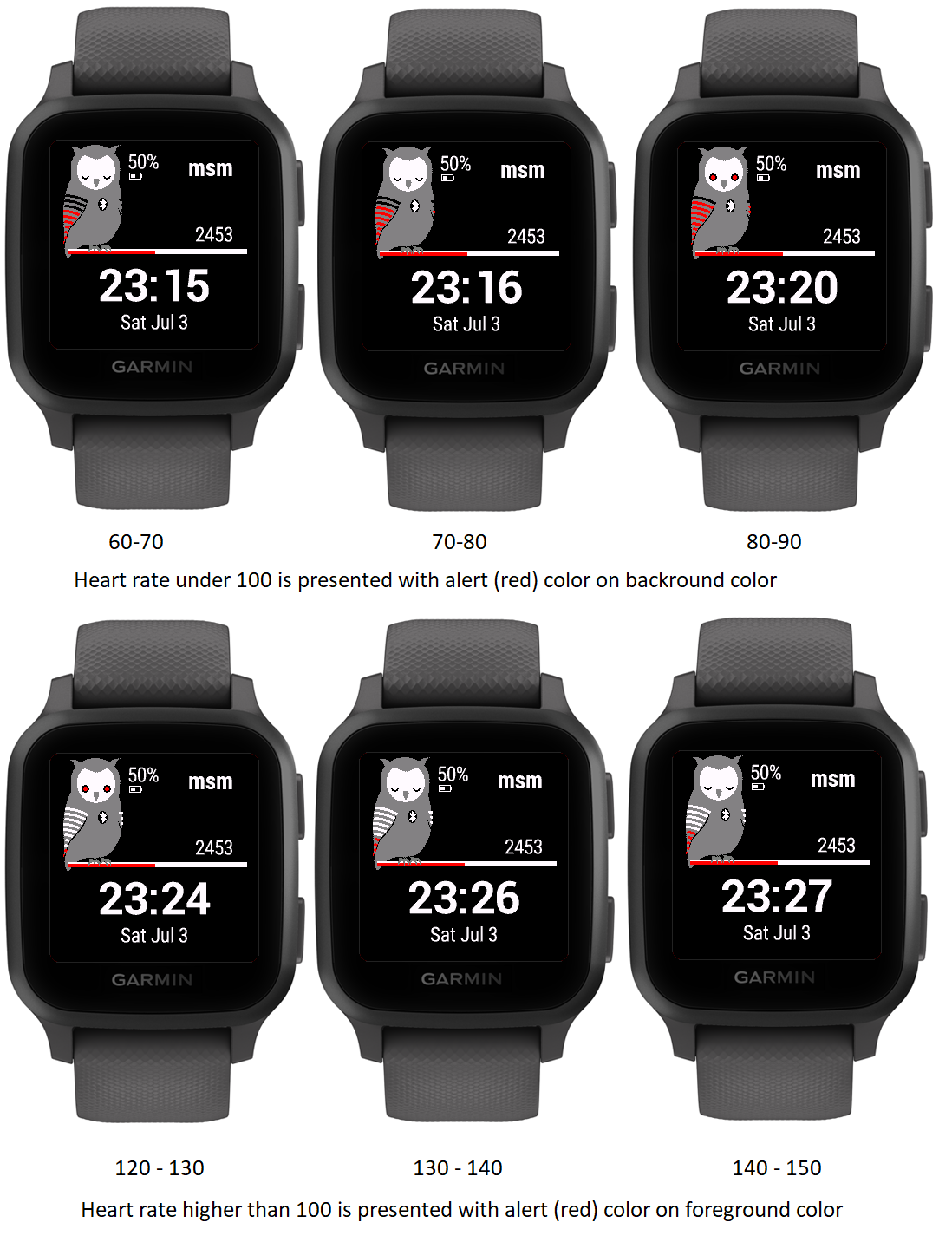
If Floors Climbed is selected, each red strip is a ten percent from the goal

If HR active wings option is selected, then each red stripe is ten beats range.
The HR is divided in two zones: comfort (0-100) and training (100+)
Screen Legend
Localization
Available languages:
- english
- french
- german
Garmin store
The application may be downloaded from the Garmin store. https://apps.garmin.com/en-US/apps/b18ed990-4d72-437f-837c-1f3dcef1ad5a
Supported models
- Vivoactive HR
- Vivoactive 3
- Vivoactive
- Approach 60
- Fenix 5
- Fenix 5x
- Forerunner 935
- Fenix 3
- Fenix 5s
- Fenix Chronos
- Fenix Epix
- Forerunner 920xt
- Forerunner 230
- Forerunner 235
- Forerunner 630
- Forerunner 735
- D2 Bravo
- D2 Bravo Charlie
- D2 Bravo Titanium
- Descent Mk1
- Forerunner 645
- Forerunner 645 Music
- D2 Delta
- D2 Delta PX
- D2 Delta S
- Fenix 5 Plus
- Fenix 5s Plus
- Fenix 5x Plus
- Forerunner 245
- Forerunner 245 Music
- Forerunner 945
- MARQ Athlete
- MARQ Aviator
- MARQ Captain
- MARQ Driver
- MARQ Expedition
- Vivoactive 3 Mercedes Benz
- Vivoactive 3 Music
- Vivoactive 3 Music LTE
- Vivolife
- Approach® S62
- Captain Marvel
- D2™ Air
- Darth Vader™
- Descent™ Mk2 / Descent™ Mk2i
- Descent™ Mk2 S
- Enduro™
- fēnix® 6 / 6 Solar / 6 Dual Power
- fēnix® 6 Pro / 6 Sapphire / 6 Pro Solar / 6 Pro Dual Power / quatix® 6
- fēnix® 6S / 6S Solar / 6S Dual Power
- fēnix® 6S Pro / 6S Sapphire / 6S Pro Solar / 6S Pro Dual Power
- fēnix® 6X Pro / 6X Sapphire / 6X Pro Solar / tactix® Delta Sapphire / Delta Solar / Delta Solar - Ballistics - Edition / quatix® 6X / 6X Solar / 6X Dual er
- First Avenger
- Forerunner® 45
- Forerunner® 55
- Forerunner® 745
- Forerunner® 945 LTE
- Garmin Swim™ 2
- MARQ™ Adventurer
- MARQ™ Commander
- MARQ™ Golfer
- Rey™
- Venu® Sq
- Venu® Sq. Music Edition
- Venu™
- Venu™ 2
- Venu™ 2S
- Venu™ Mercedes-Benz® Collection
- vívoactive® 4
- vívoactive® 4S
Screenshots
Vivoactive HR
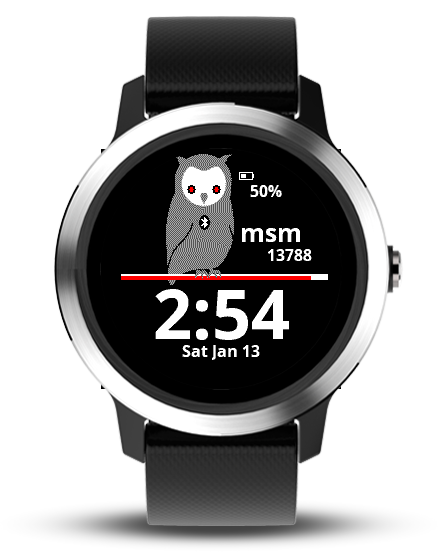
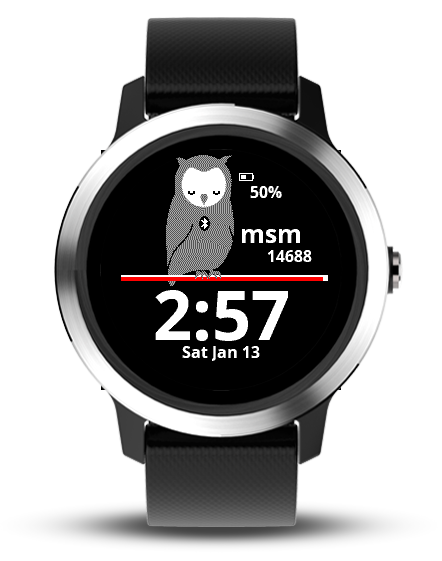
Vivoactive 3
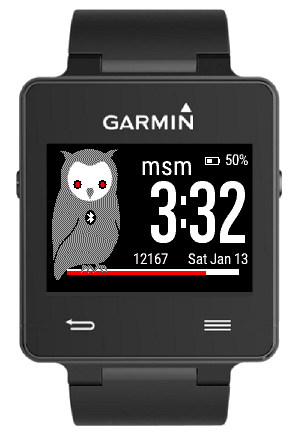
Vivoactive
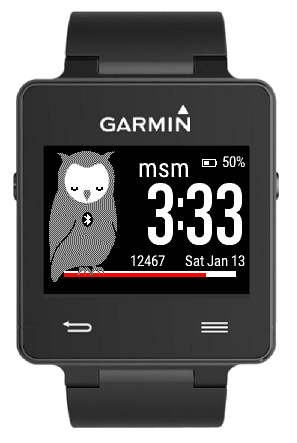
Approach 60
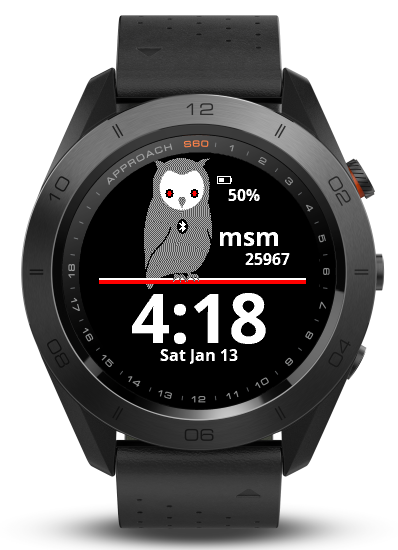
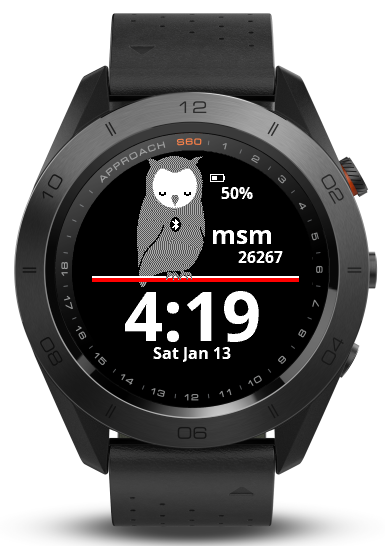
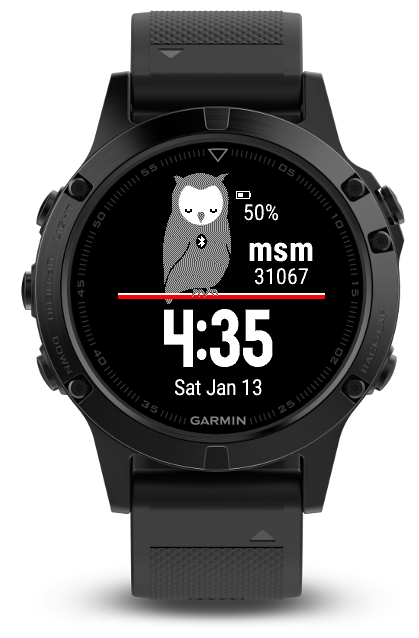
Fenix 5
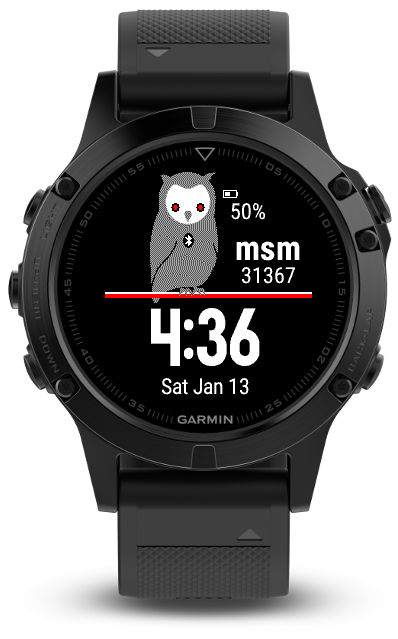
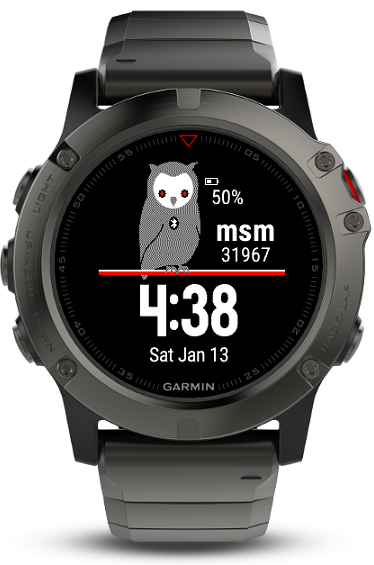
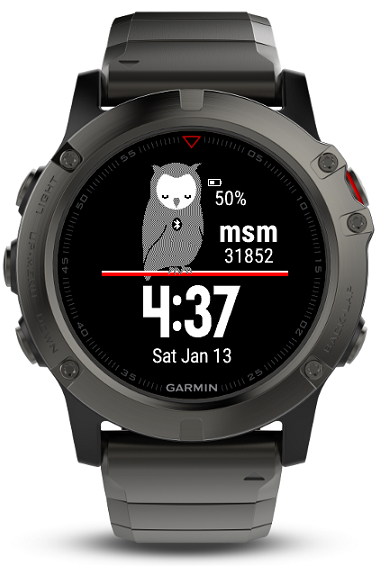
Fenix 5x
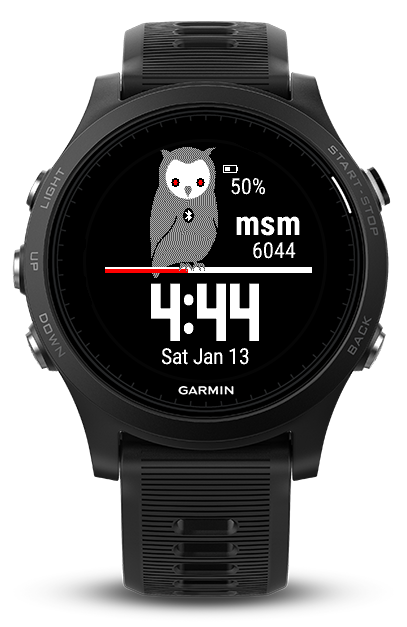
Forerunner 935
Fenix 3
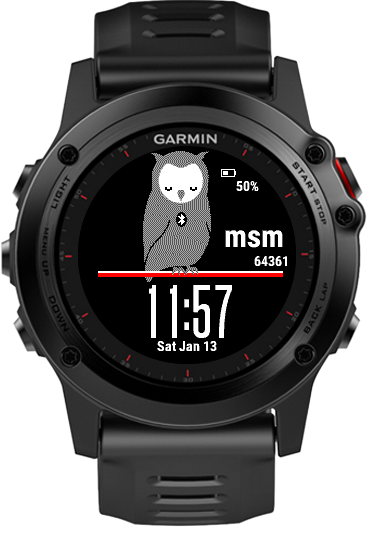
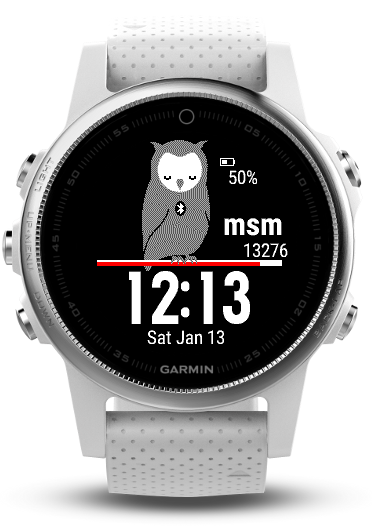
Fenix 5s
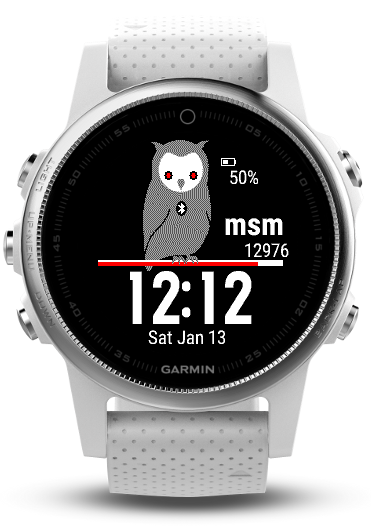
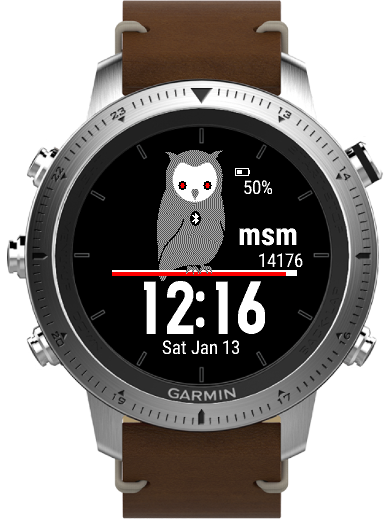
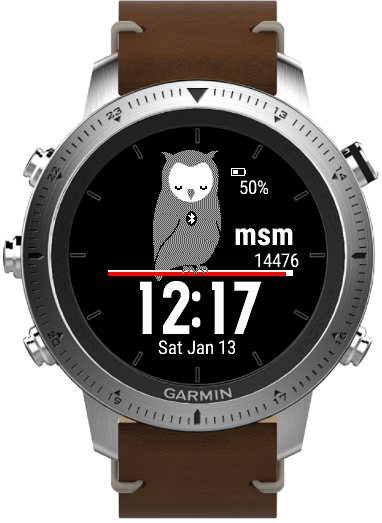
Fenix Chronos
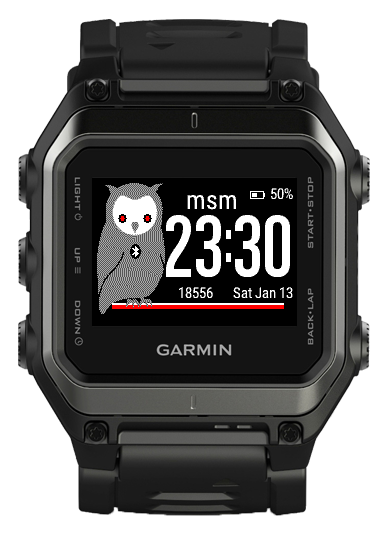
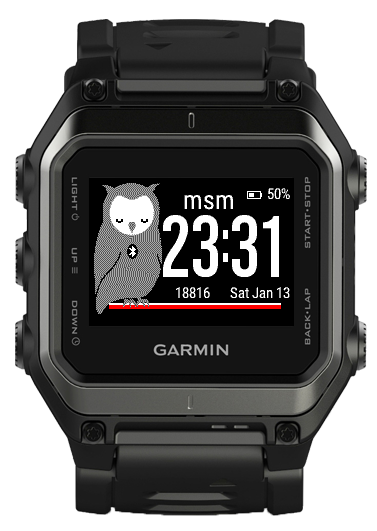
Fenix Epix
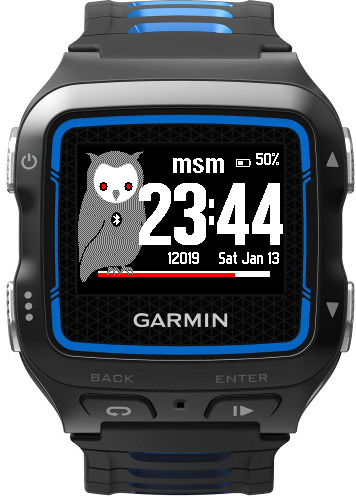
Forerunner 920xt
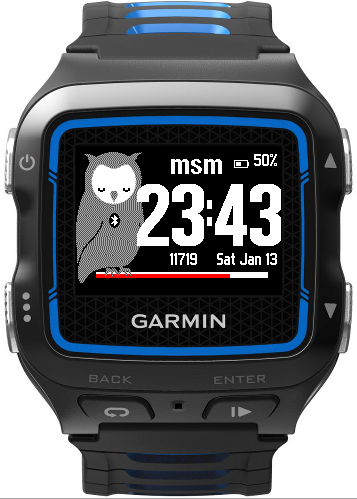
Forerunner 230
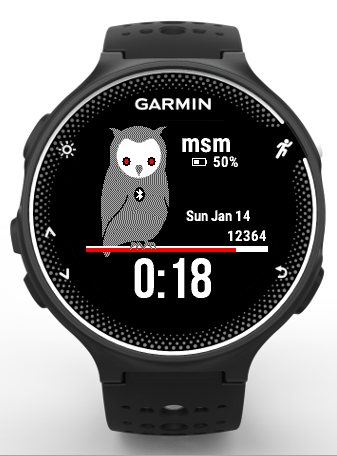
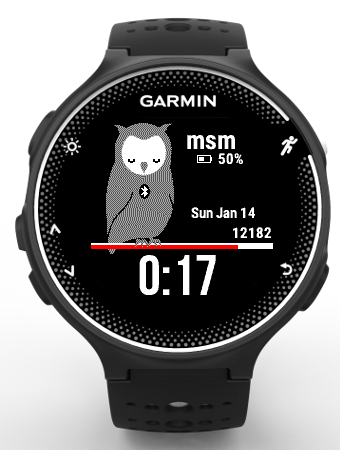
Forerunner 235
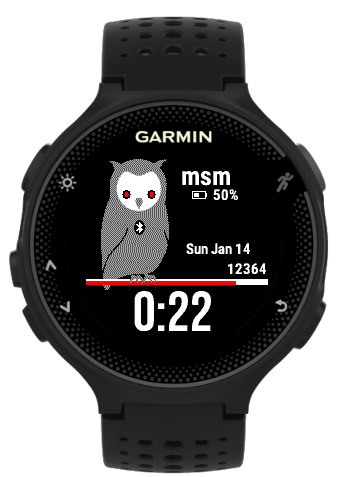
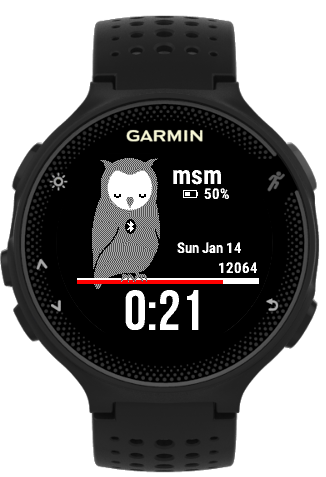
Forerunner 630
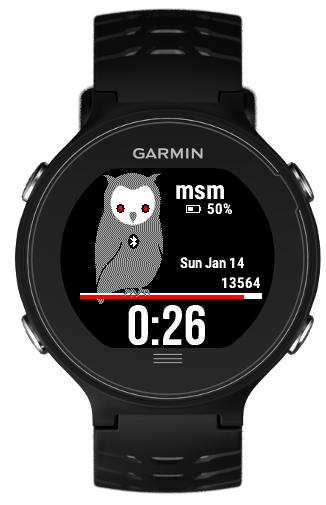
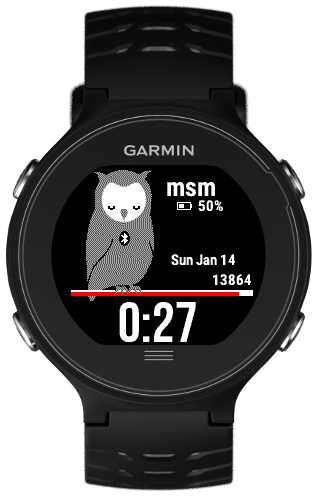
Forerunner 735
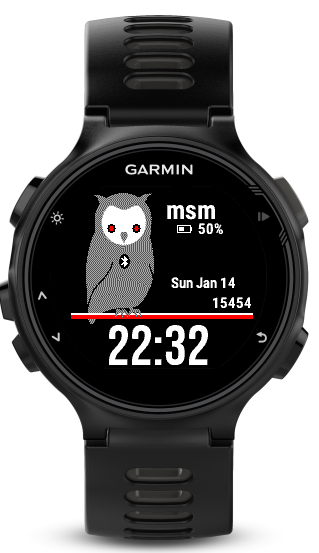
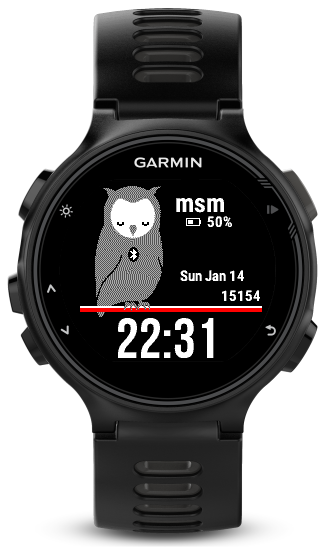
D2 Bravo
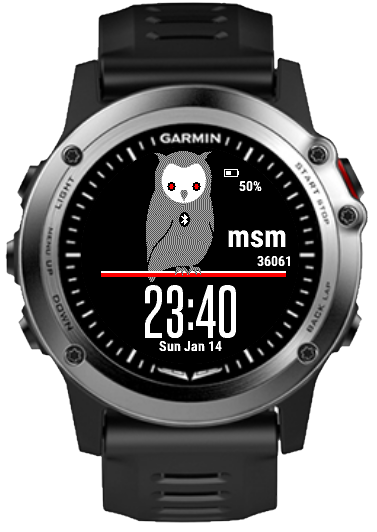
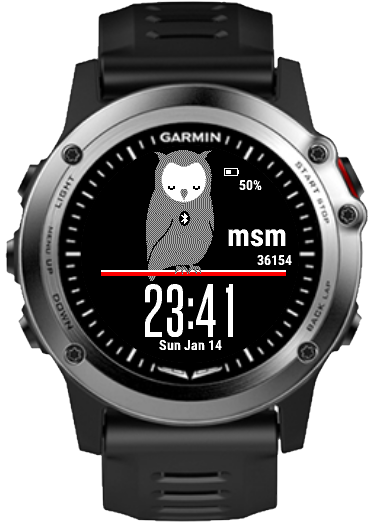
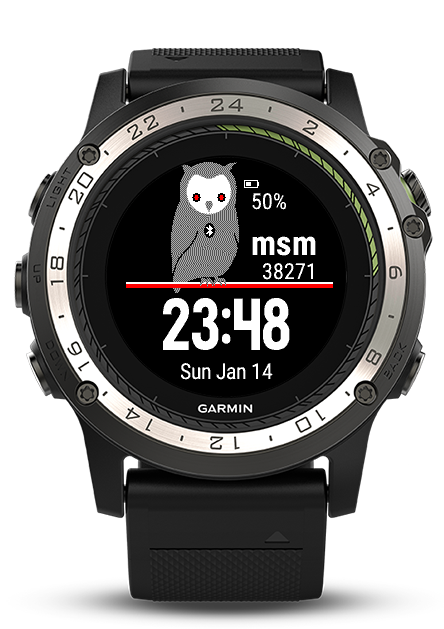
D2 Bravo Charlie
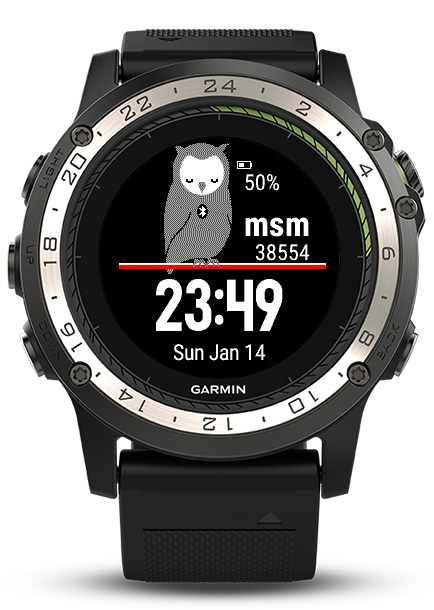
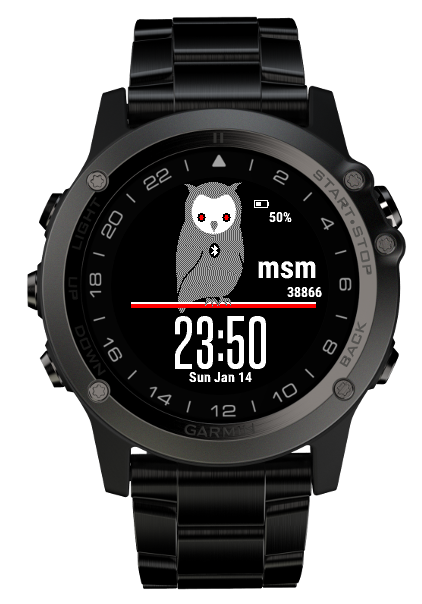
D2 Bravo Titanium
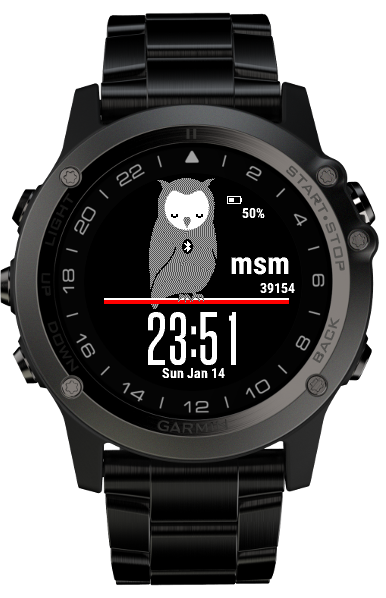
Descent Mk1
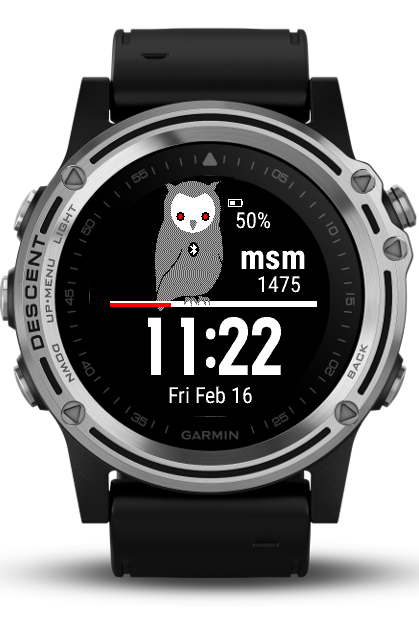
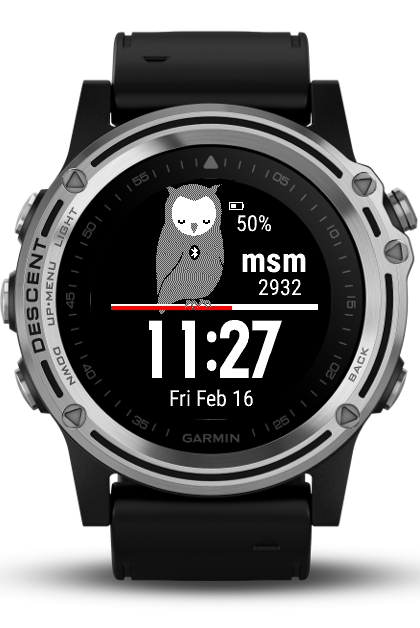
Forerunner 645
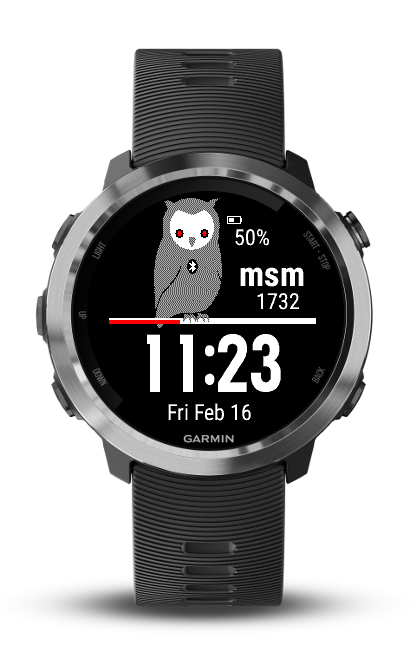
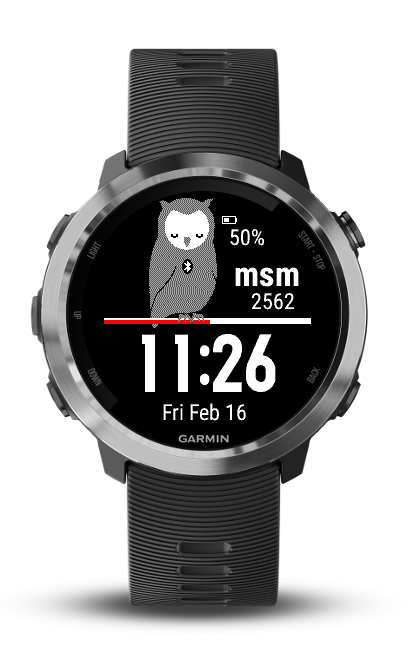
Forerunner 645 Music
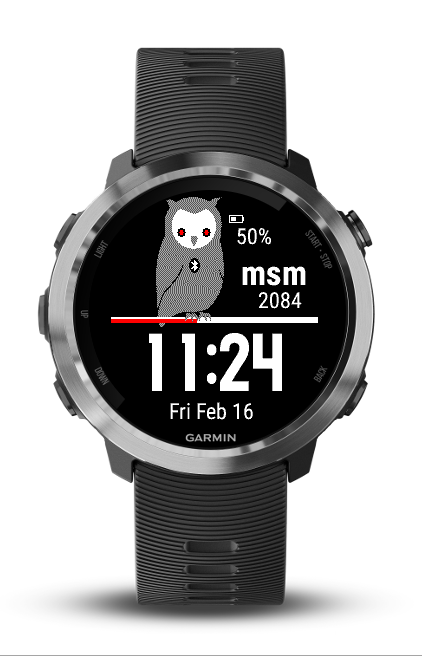
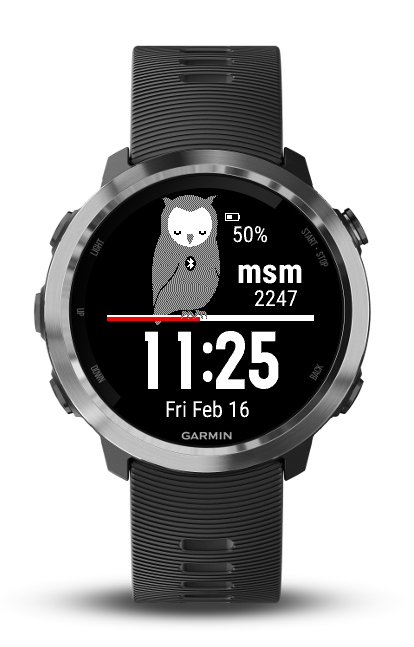
D2 Delta
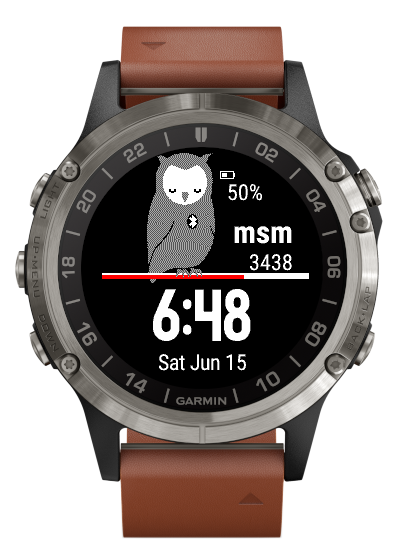
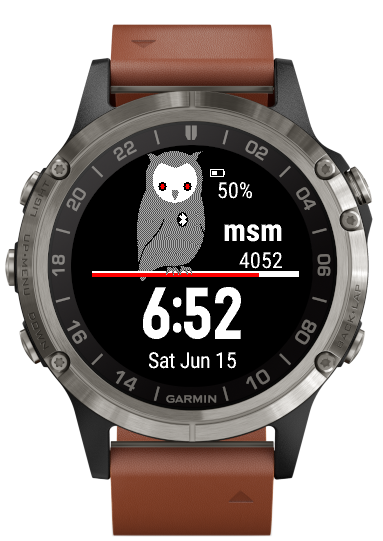
D2 Delta PX
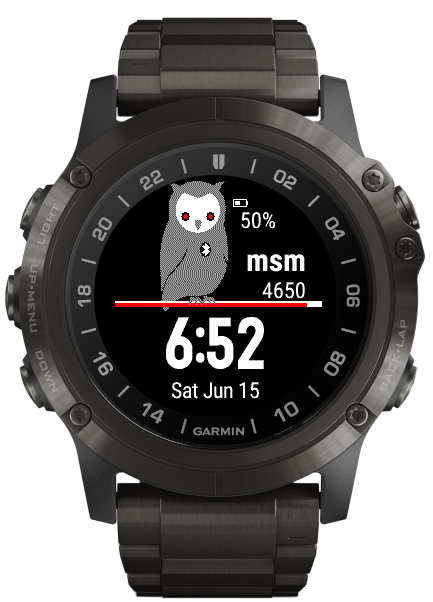
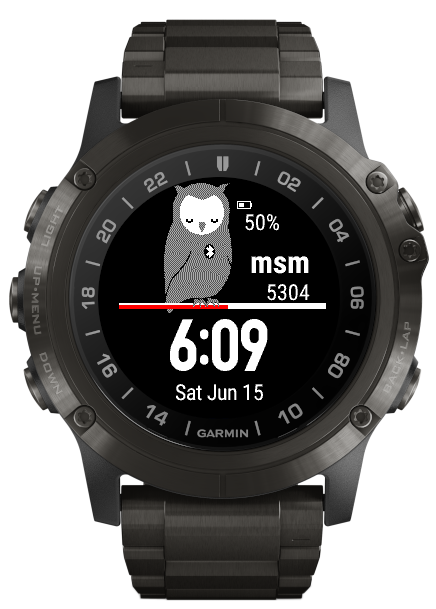
D2 Delta S
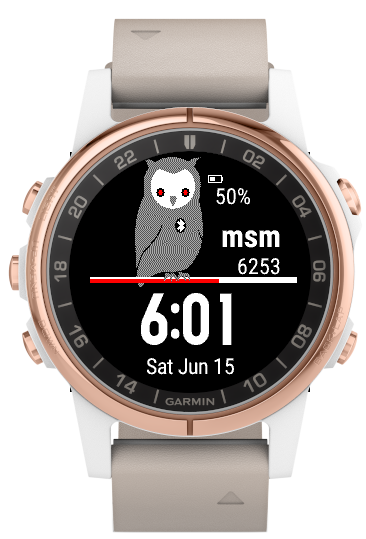
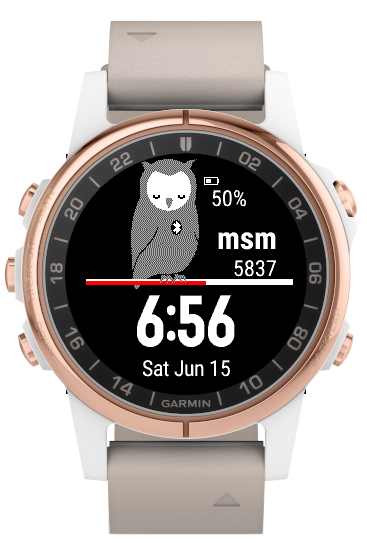
Fenix 5 Plus
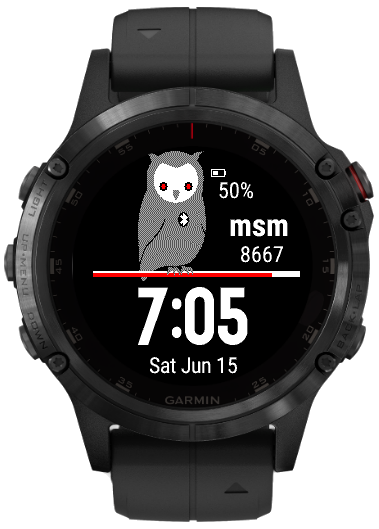
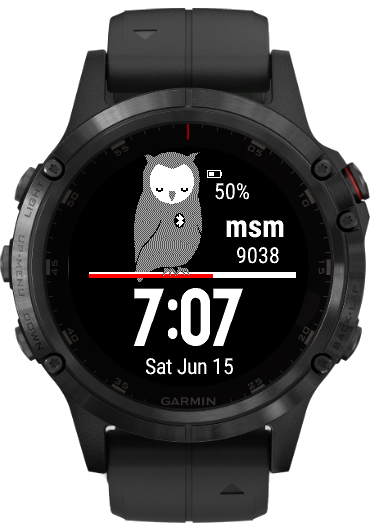
Fenix 5s Plus
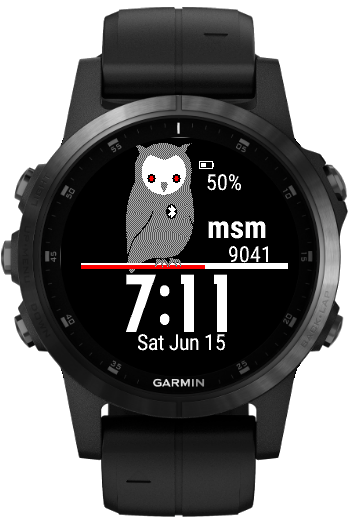
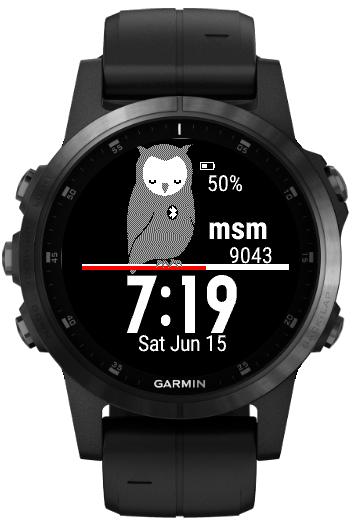
Fenix 5x Plus
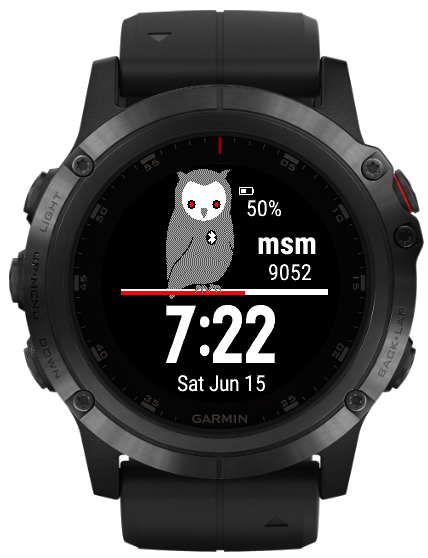
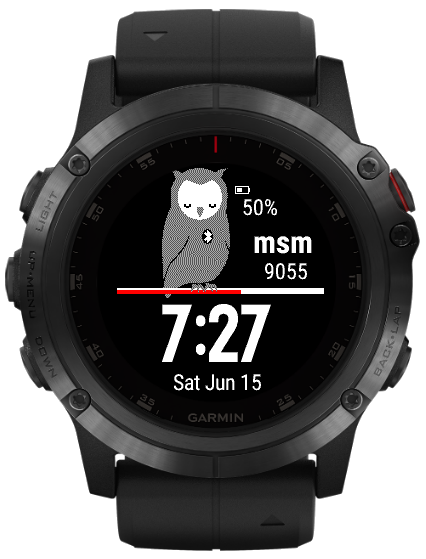
Forerunner 245
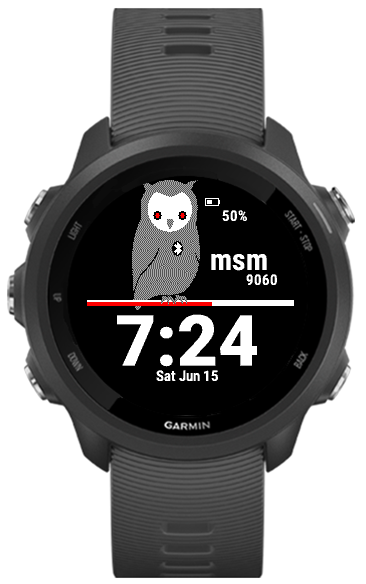
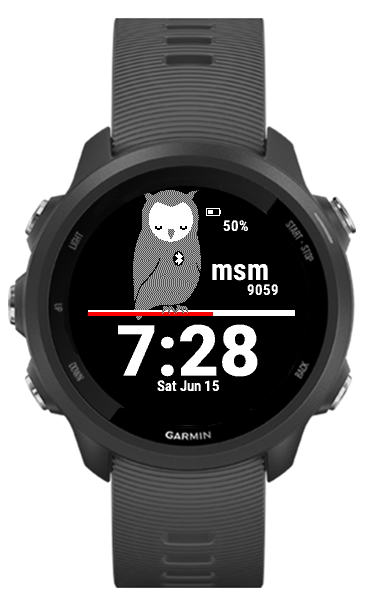
Forerunner 245 Music
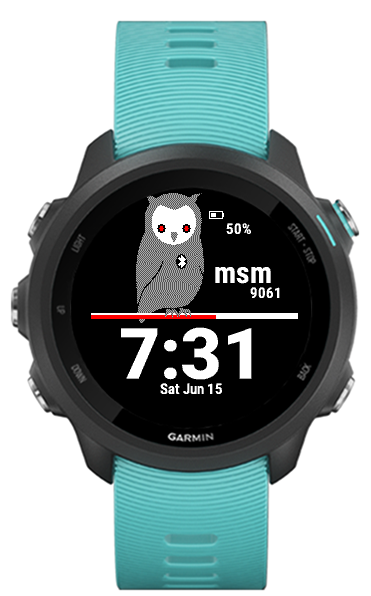
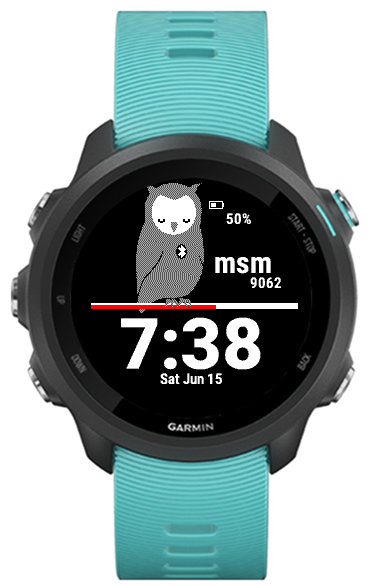
Forerunner 945
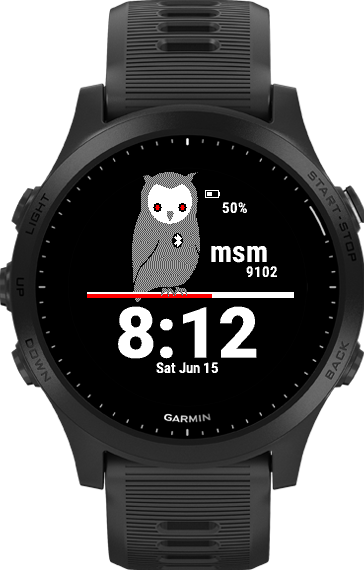
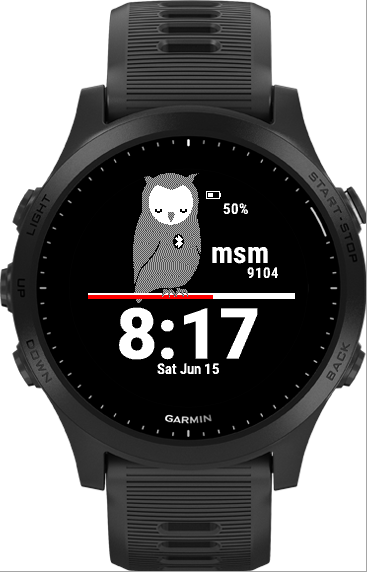
MARQ Athlete
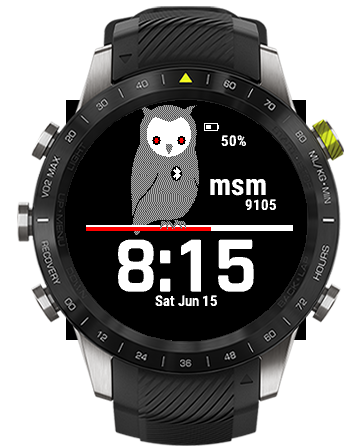
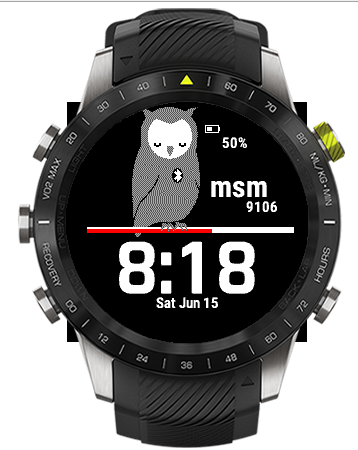
MARQ Aviator
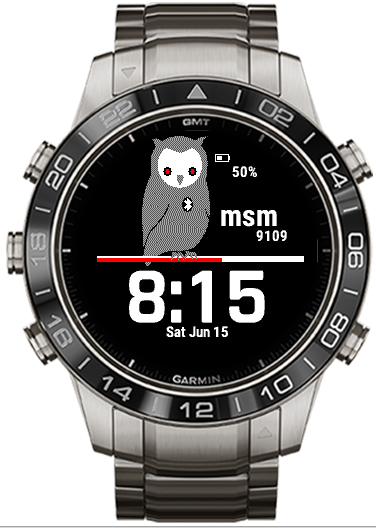
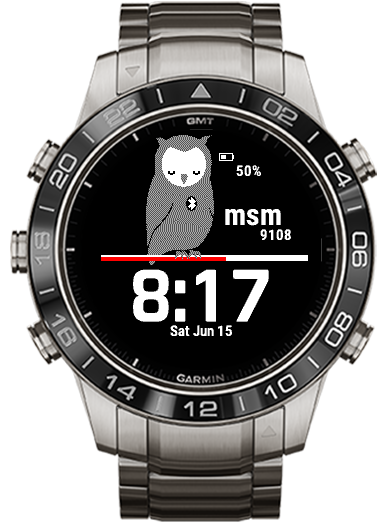
MARQ Captain
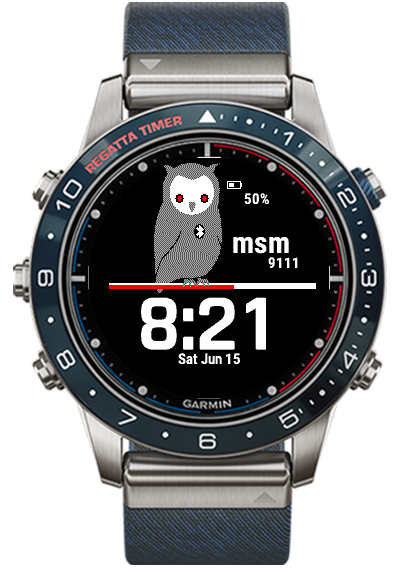
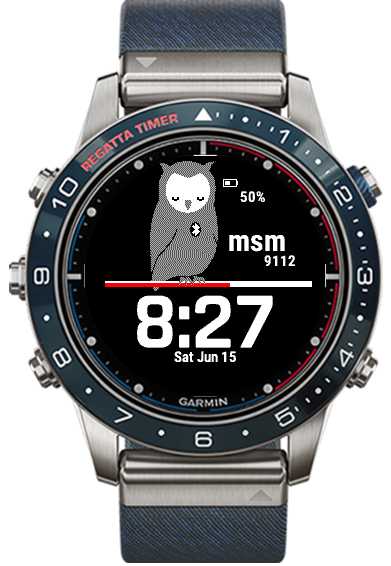
MARQ Driver
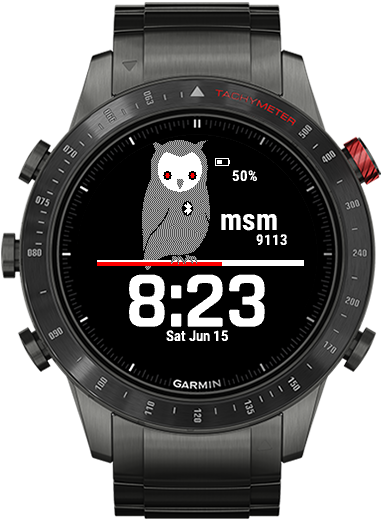
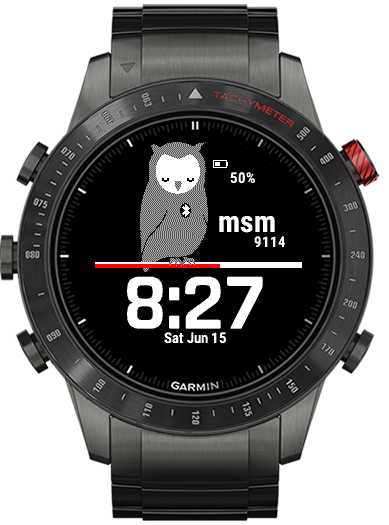
MARQ Expedition
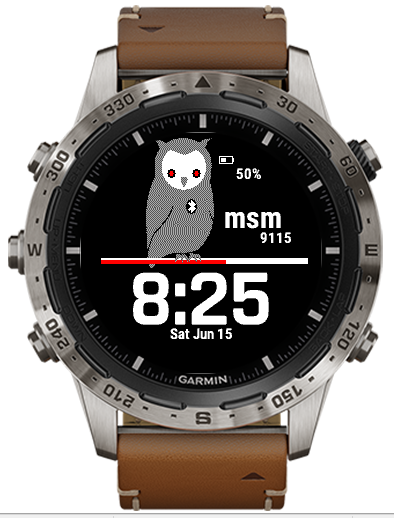
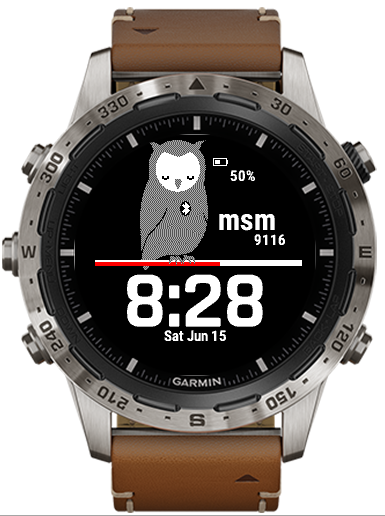
Vivoactive 3 Mercedes Benz
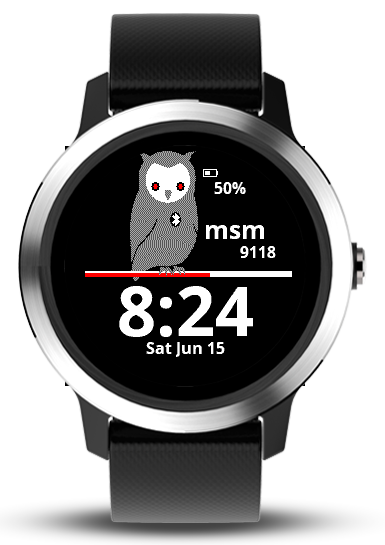
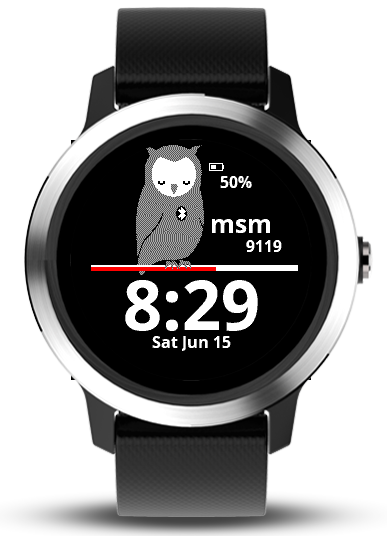
Vivoactive 3 Music
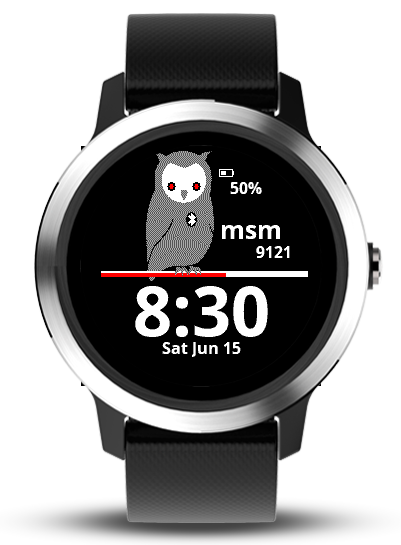
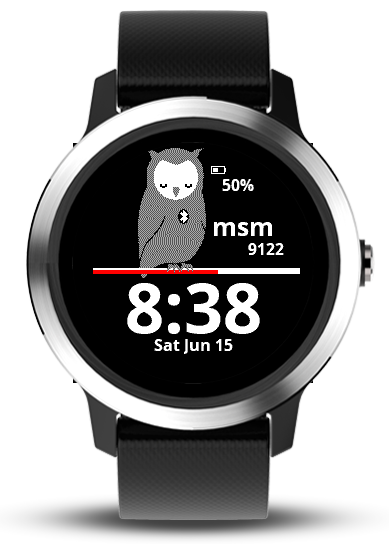
Vivoactive 3 Music LTE
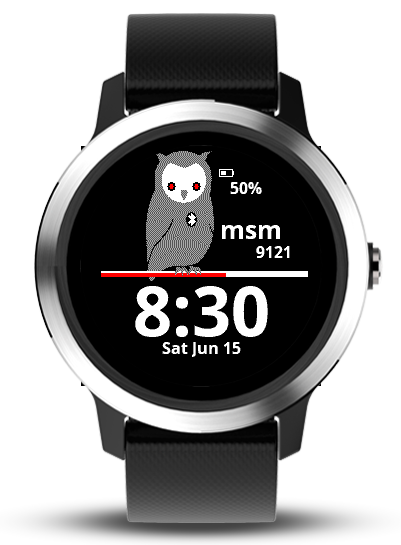
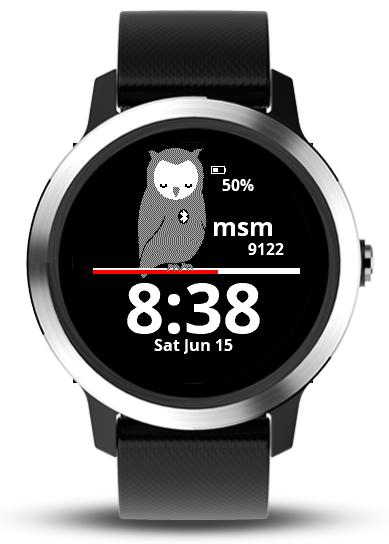
Vivolife
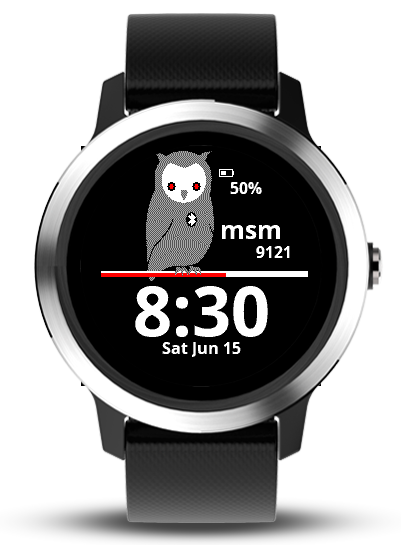
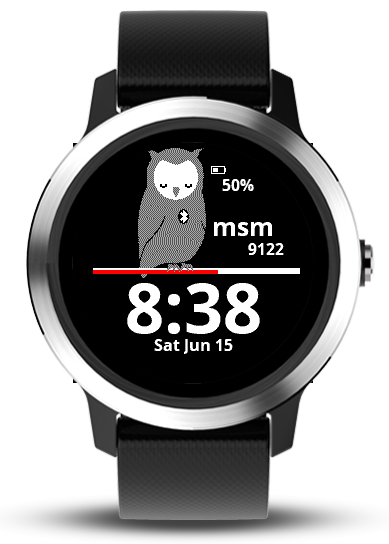
Approach S62

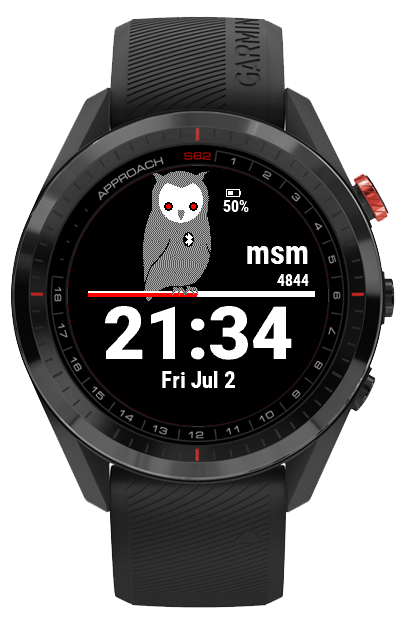
Captain Marvel
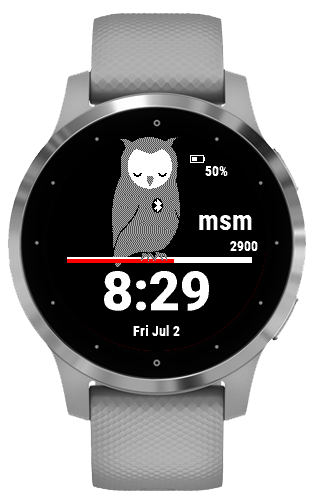
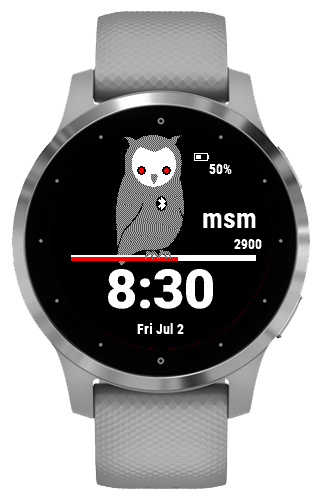
D2 Air
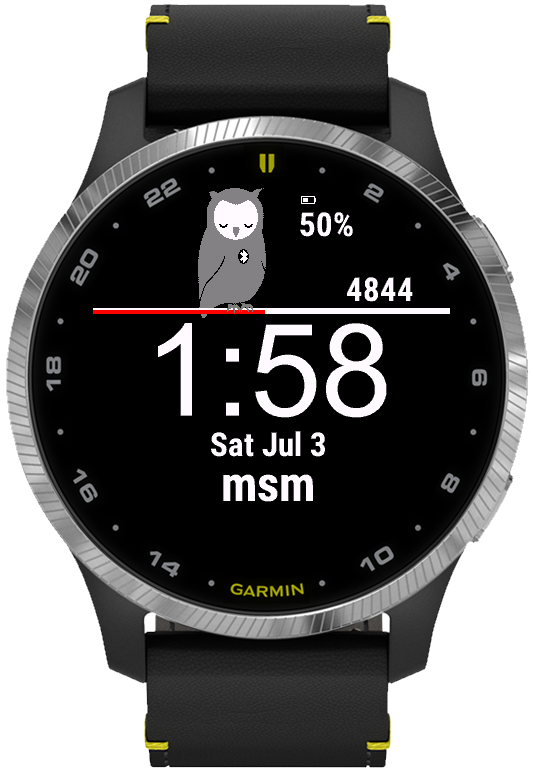
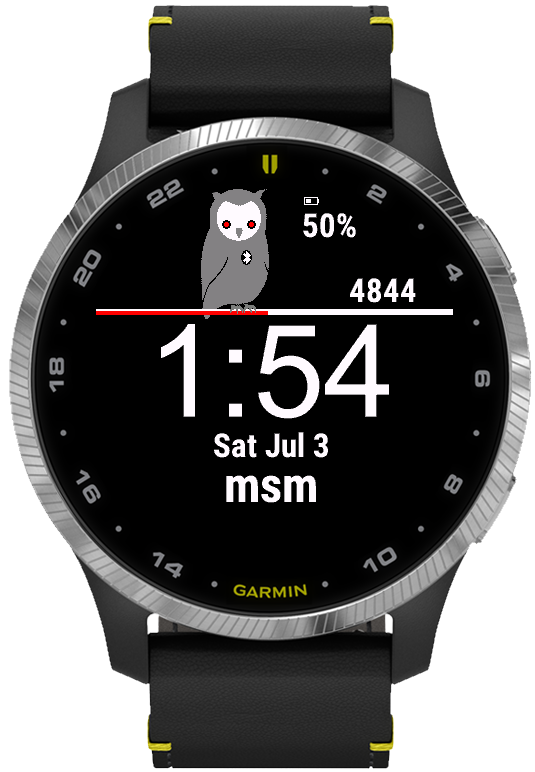
Darth Vader

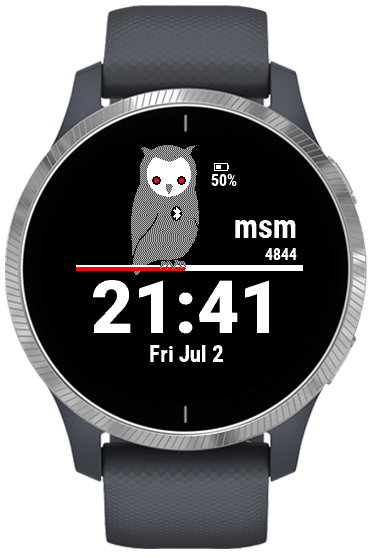
Descent Mk2 / Descent Mk2i
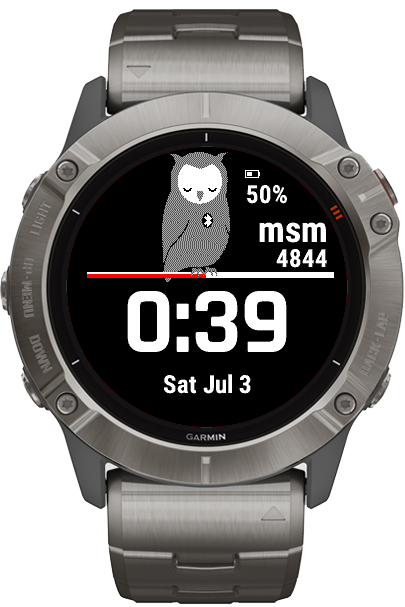
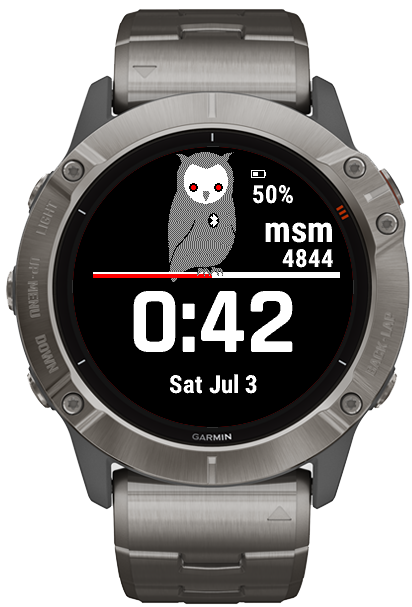
Descent Mk2 S
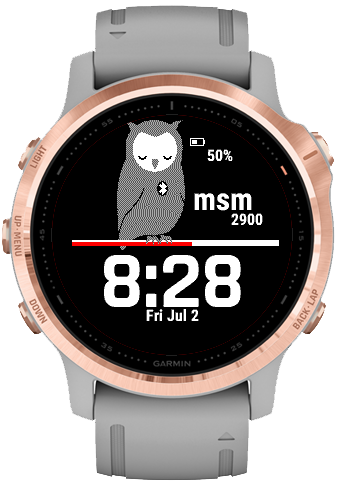
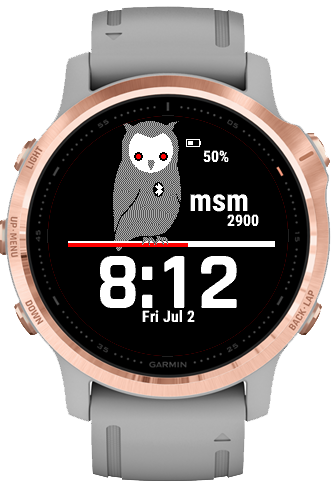
Enduro
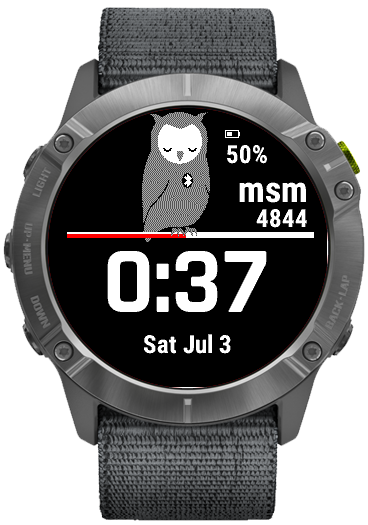
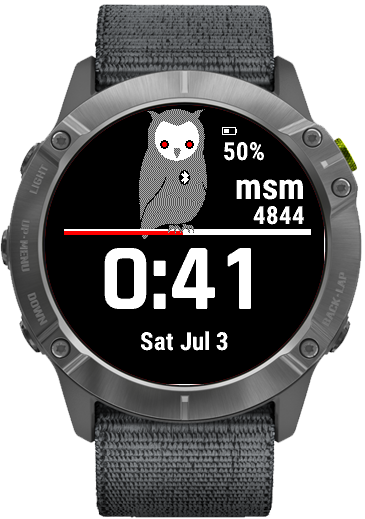
fēnix 6 / 6 Solar / 6 Dual Power
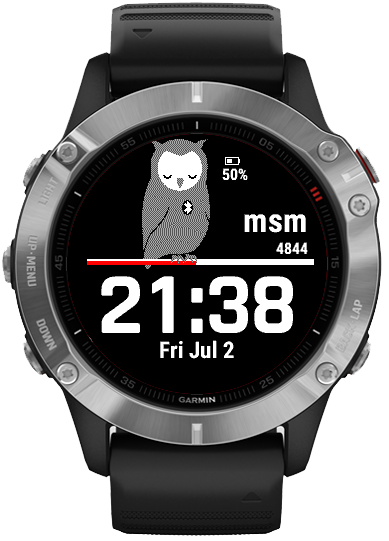
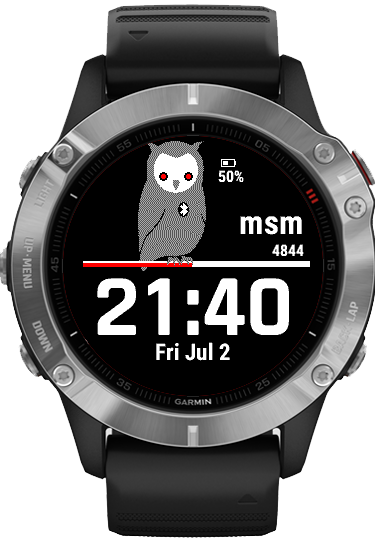
fēnix 6 Pro / 6 Sapphire / 6 Pro Solar / 6 Pro Dual Power / quatix 6
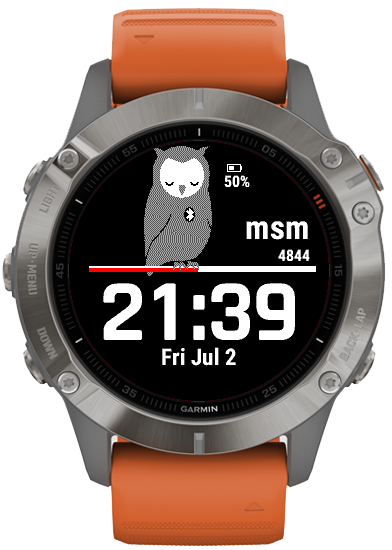
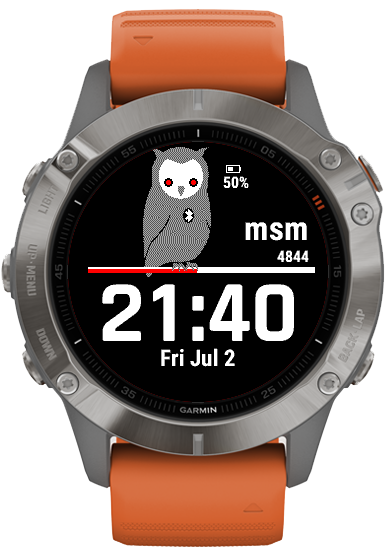
fēnix 6S / 6S Solar / 6S Dual Power
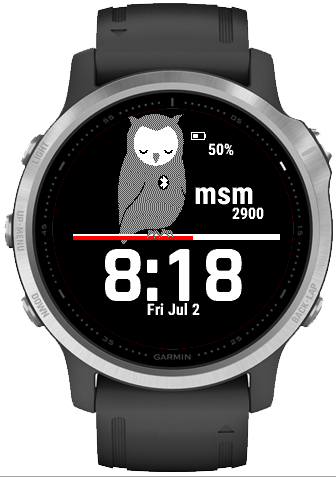
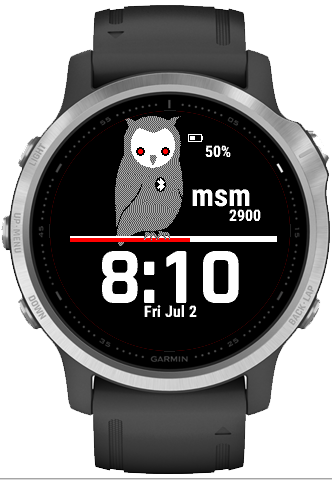
fēnix 6S Pro / 6S Sapphire / 6S Pro Solar / 6S Pro Dual Power
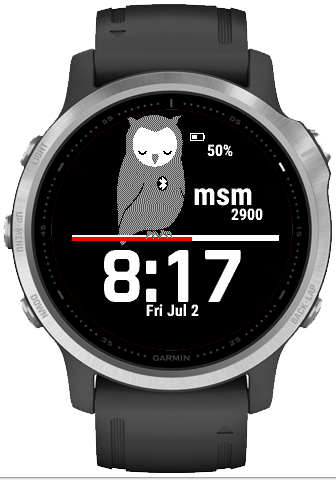
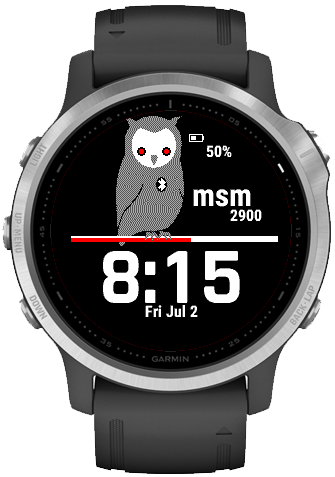
fēnix 6X Pro / 6X Sapphire / 6X Pro Solar / tactix Delta Sapphire / Delta Solar / Delta Solar - Ballistics - Edition / quatix 6X / 6X Solar / 6X Dual er
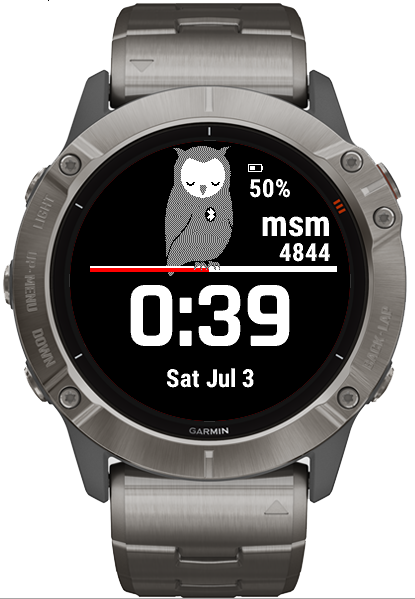
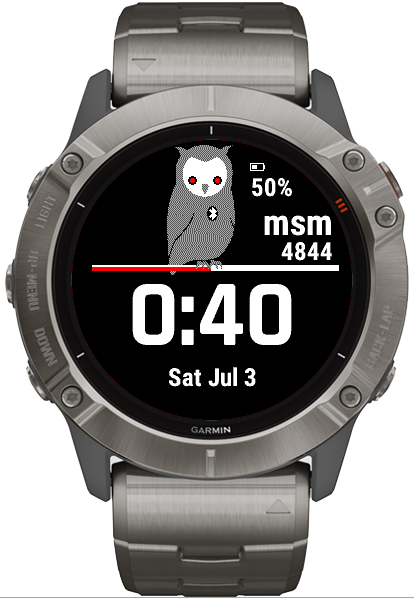
First Avenger
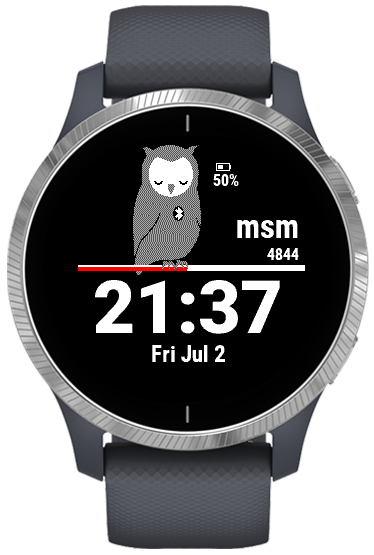
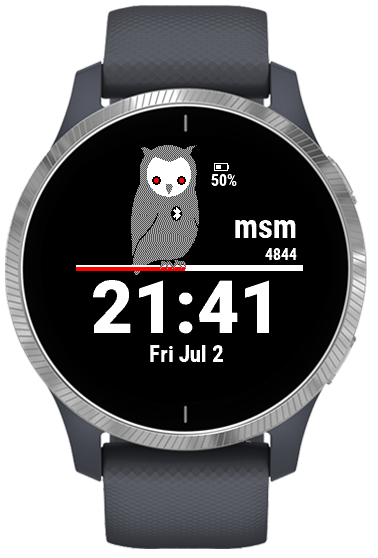
Forerunner 45
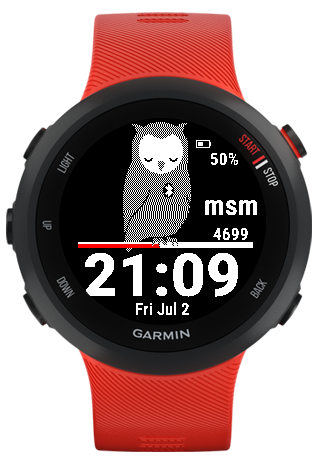
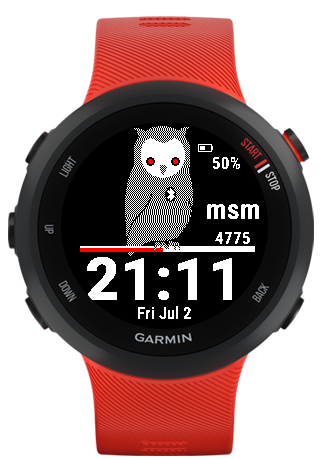
Forerunner 55
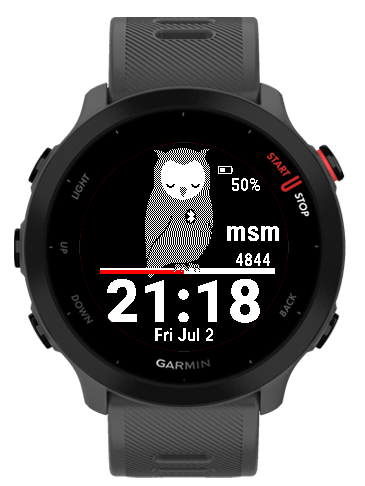
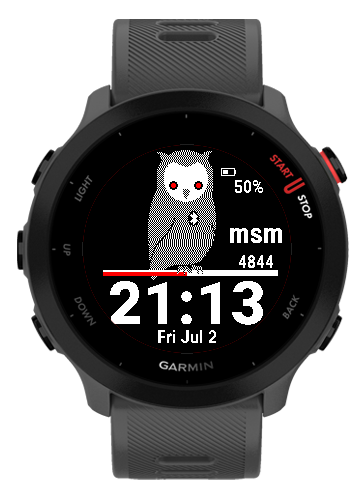
Forerunner 745
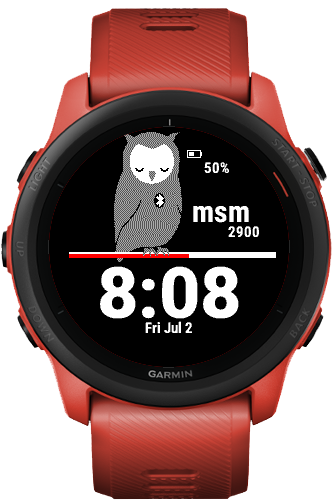
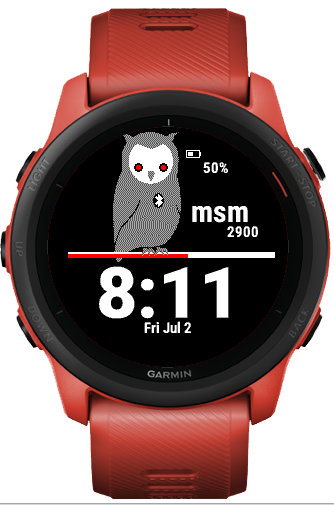
Forerunner 945 LTE
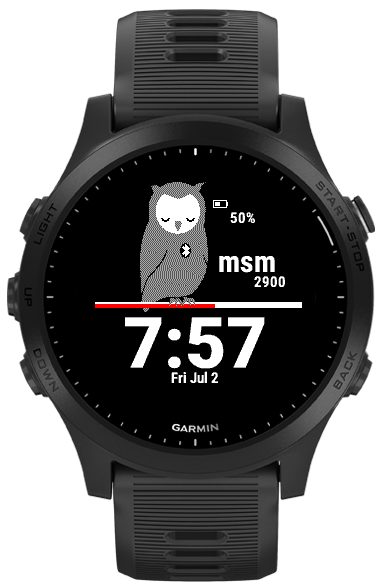
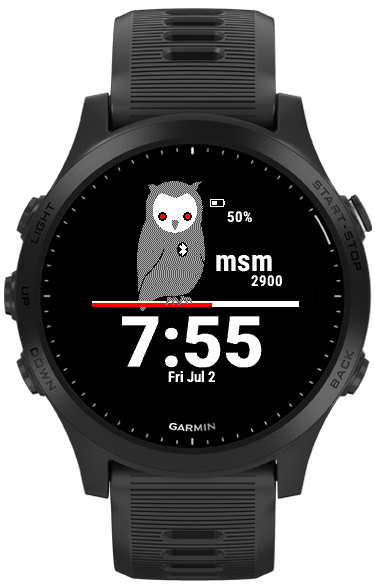
Garmin Swim 2
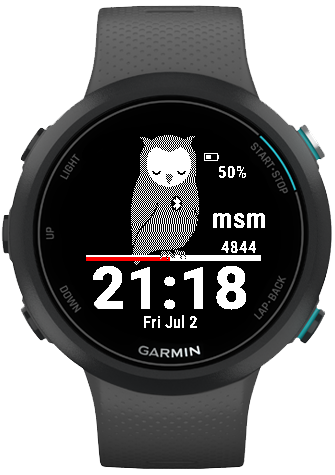
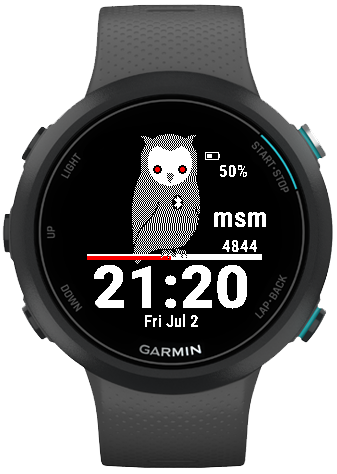
MARQ Adventurer
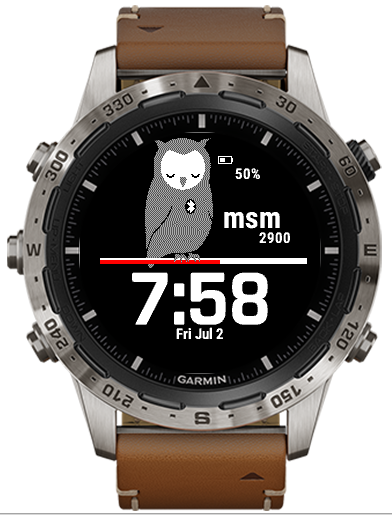
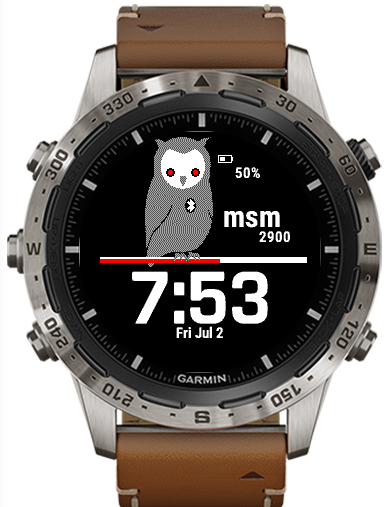
MARQ Commander
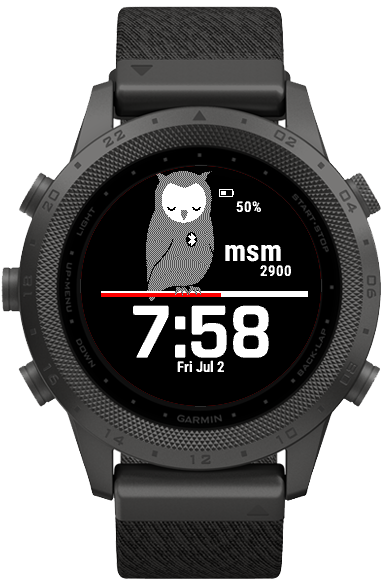
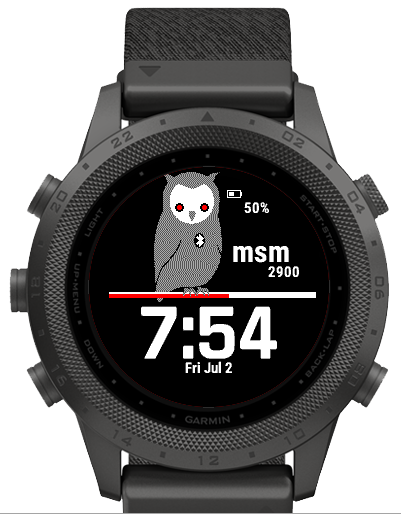
MARQ Golfer
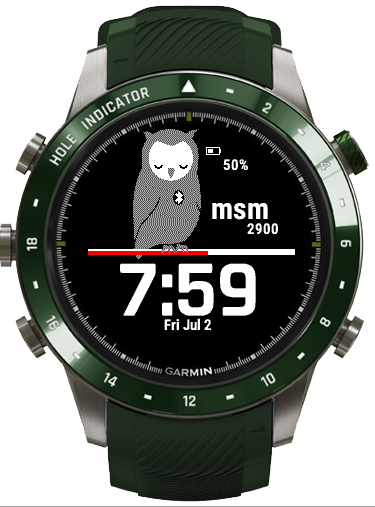
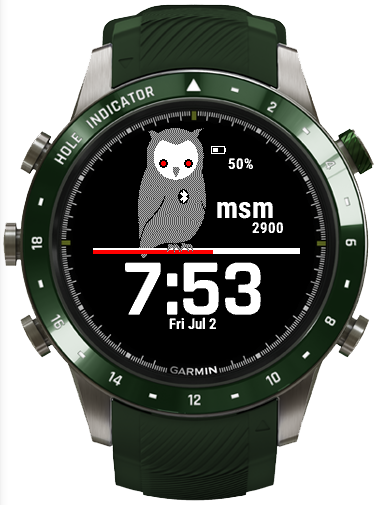
Rey
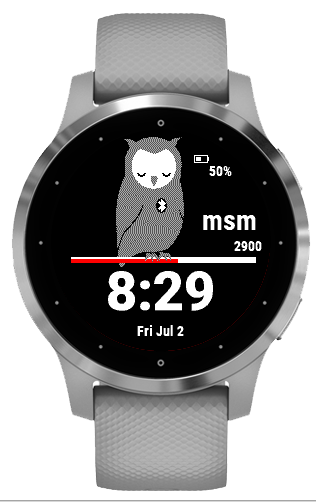
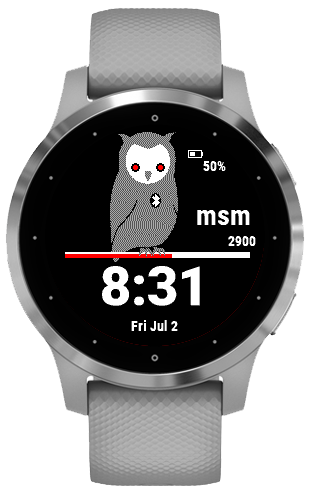
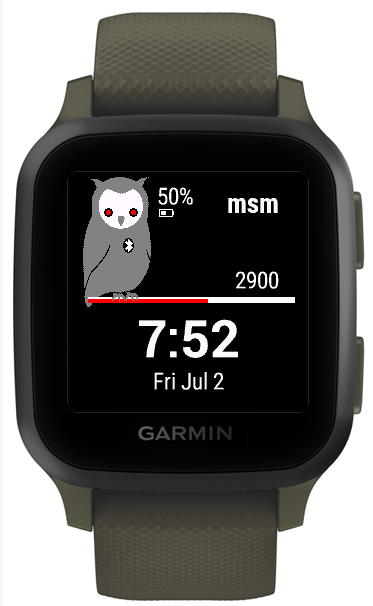
Venu Sq
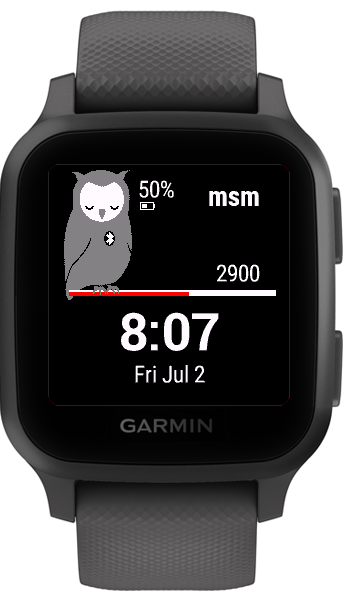
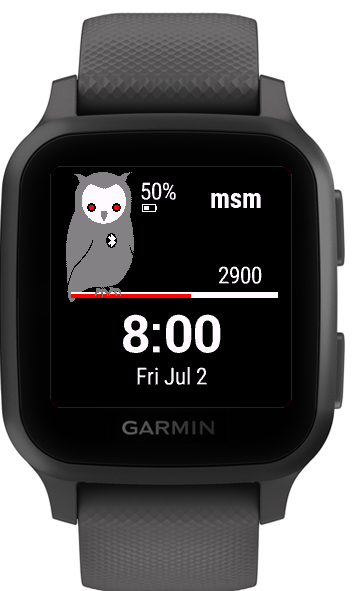
Venu Sq. Music Edition
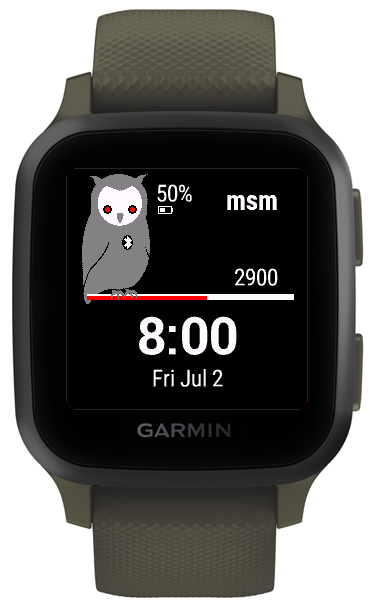
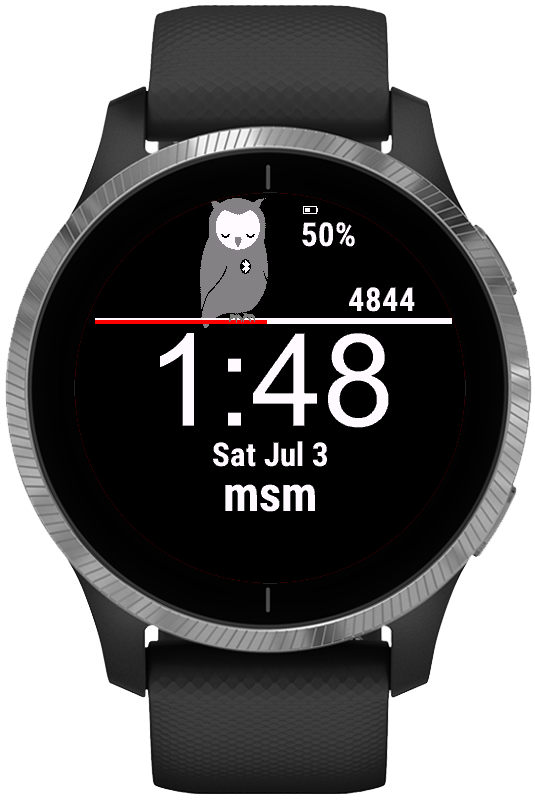
Venu
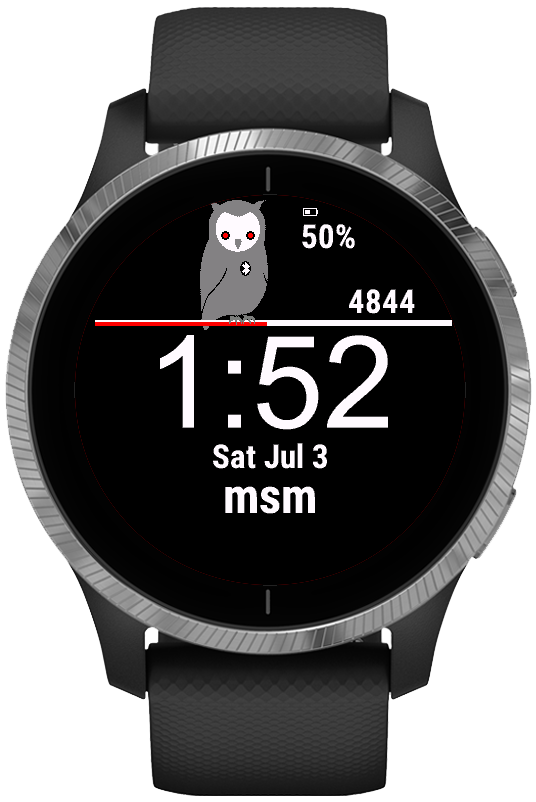
Venu 2
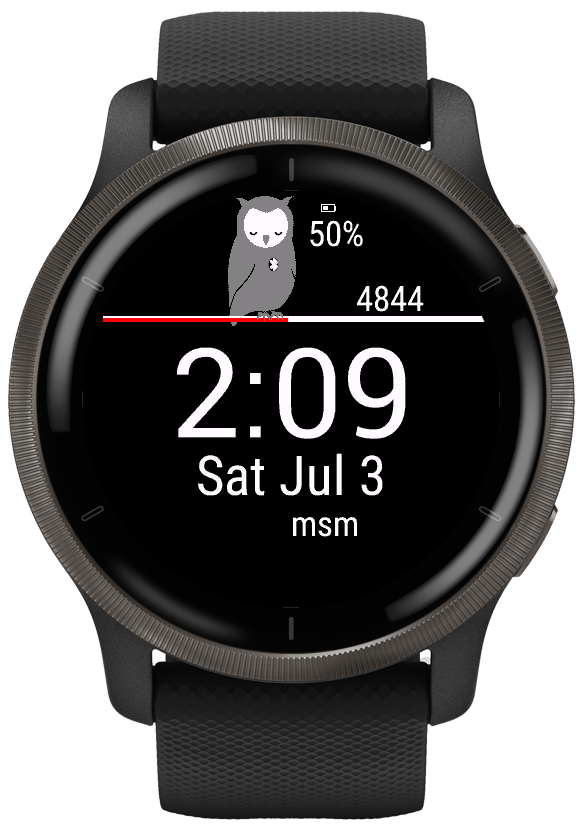
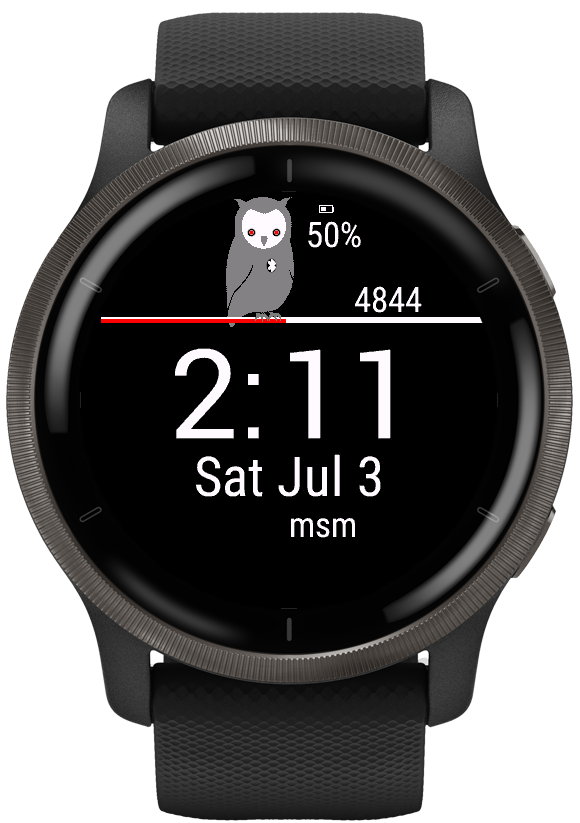
Venu 2S
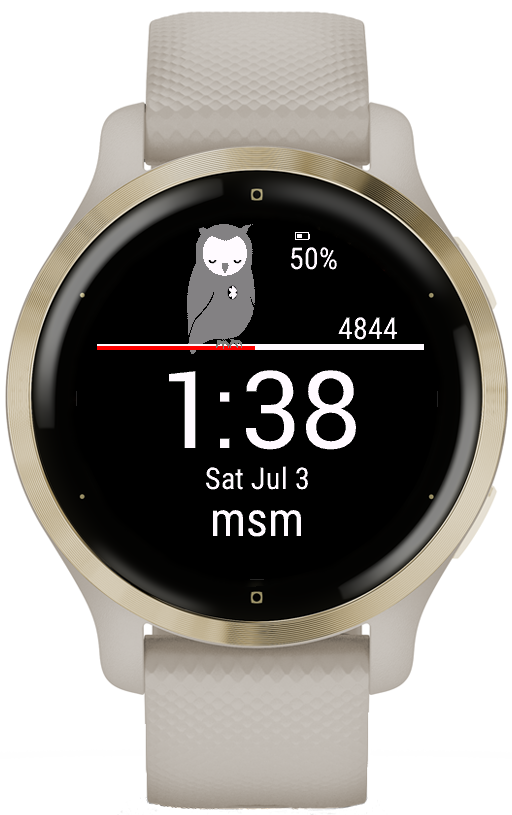
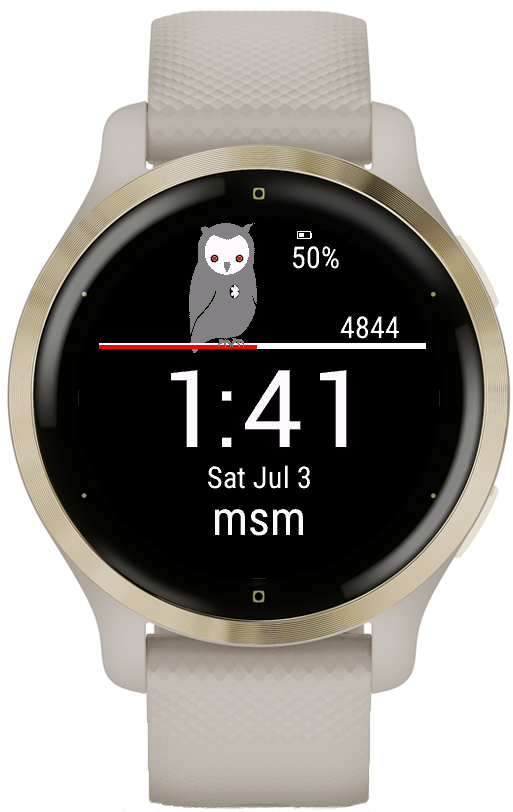
Venu Mercedes-Benz Collection
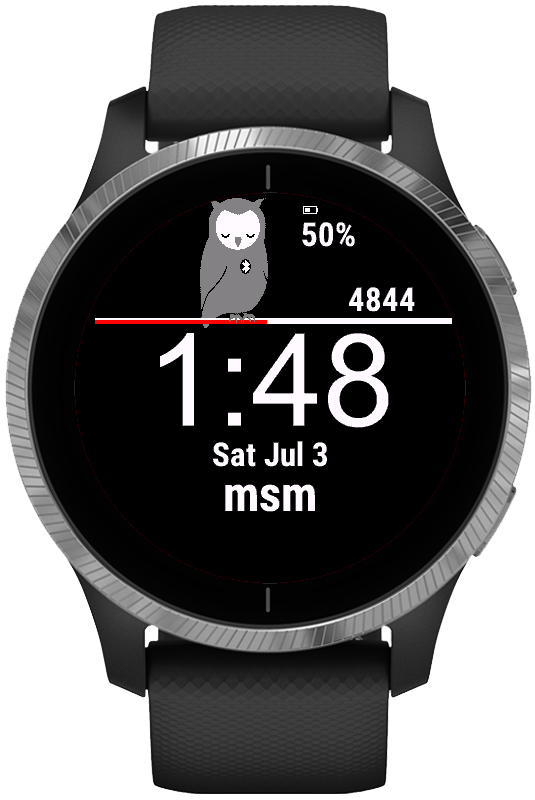
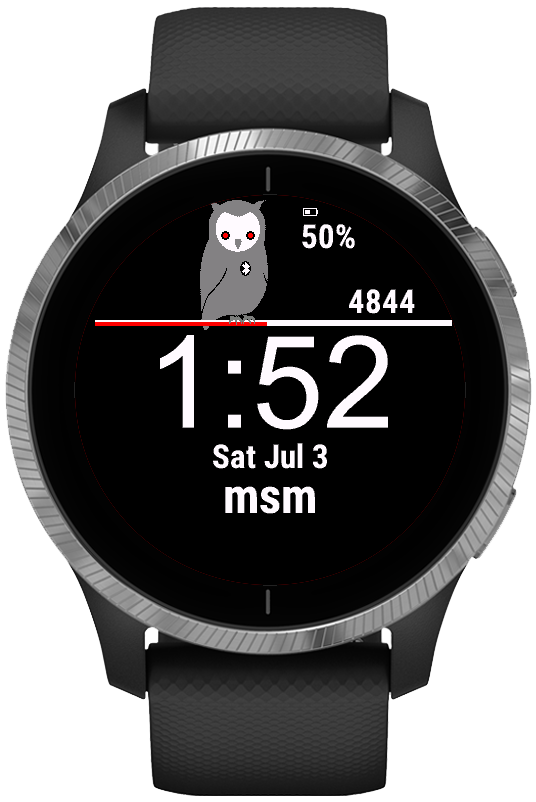
vívoactive 4
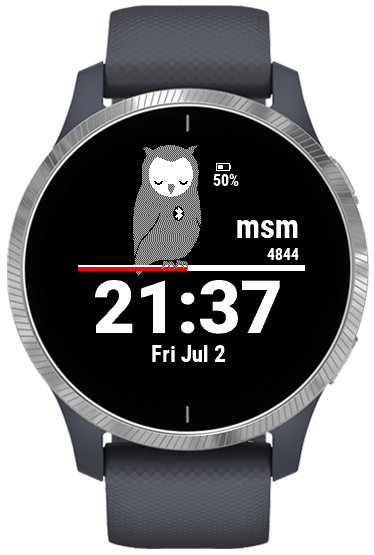
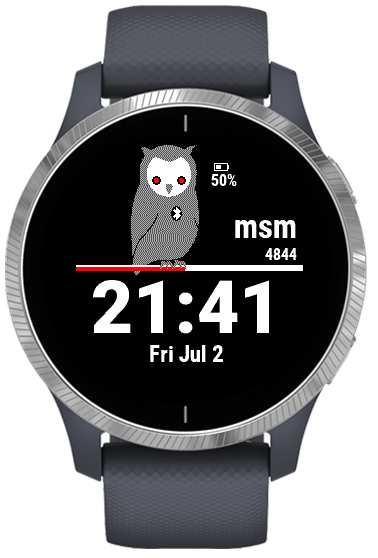
vívoactive 4S